The Open Door⚓︎
Difficulty:
Direct link: The Open Door
Objective⚓︎
Request
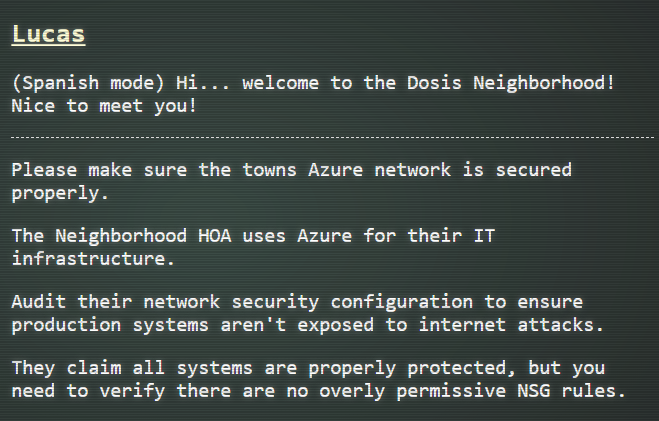
Help Goose Lucas in the hotel parking lot find the dangerously misconfigured Network Security Group rule that's allowing unrestricted internet access to sensitive ports like RDP or SSH.
Lucas
Solution⚓︎
Lucas asked me to audit the Dosis Neighborhood's Azure network security configuration for potential overly permissive NSG rules.
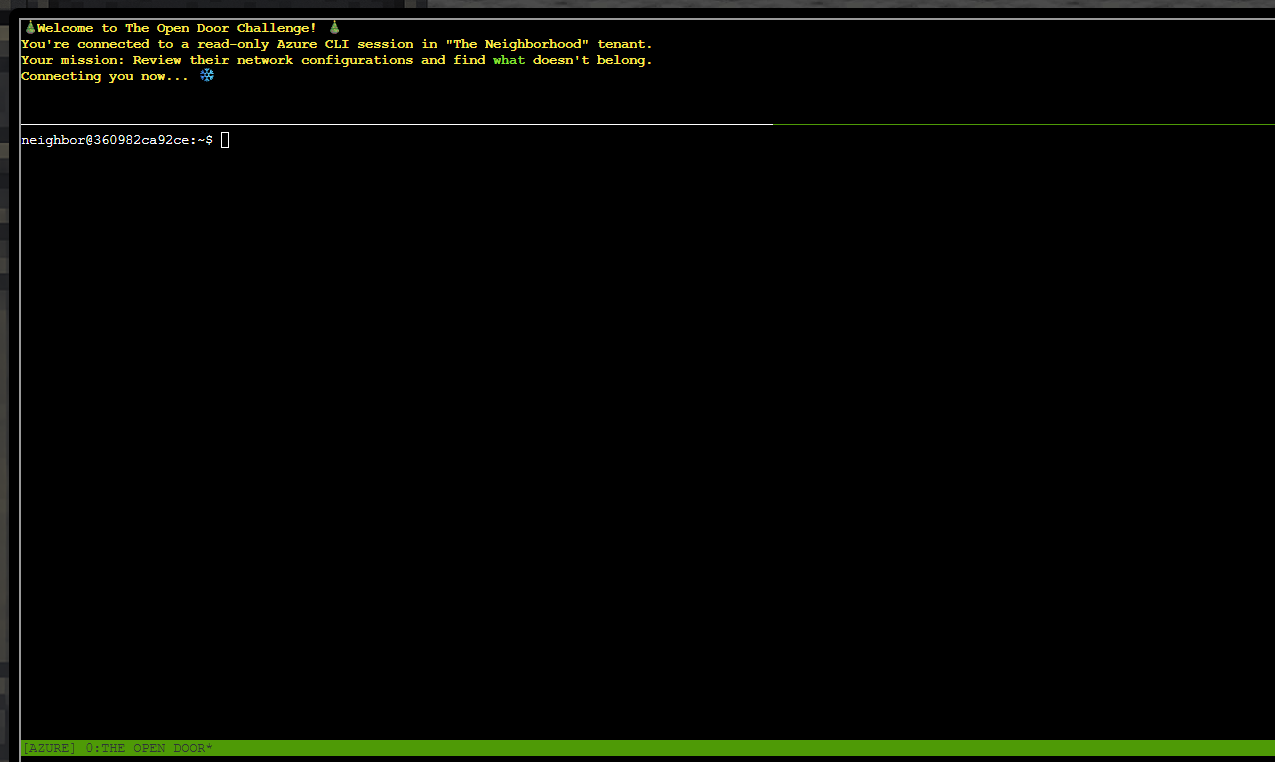
The terminal session introduced the challenge and the Azure CLI environment.
The first task was to list resource groups using the command:
| List resource groups | |
|---|---|
1 | |
The output listed the available resource groups which are theneighborhood-rg1 and theneighborhood-rg2.
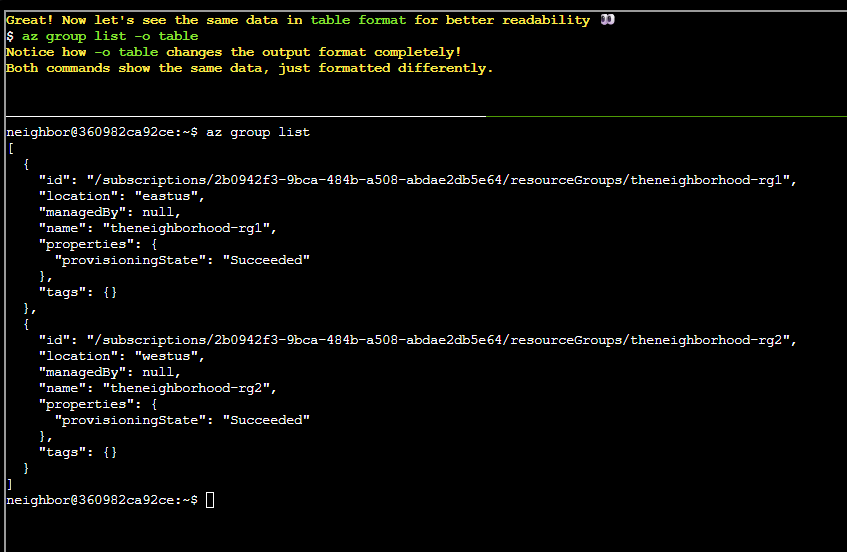
The next task was to list resource groups in table format with the command:
| List resource groups (table) | |
|---|---|
1 | |
The table made it easier to spot the neighborhood resource groups.
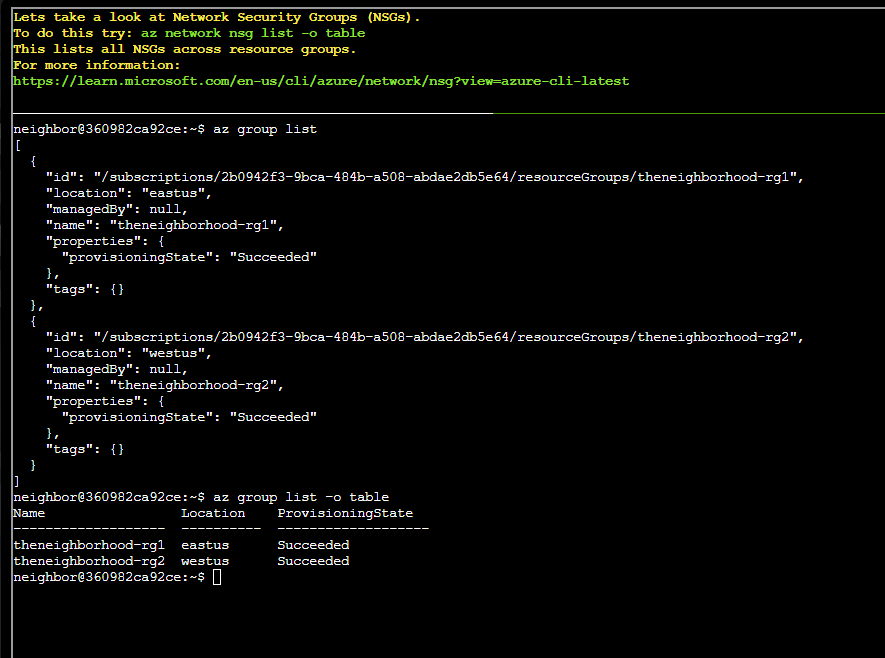
Task 3 asked to list network security groups using the command:
| List NSGs | |
|---|---|
1 | |
The output showed all NSGs and the resource group they are attached to.
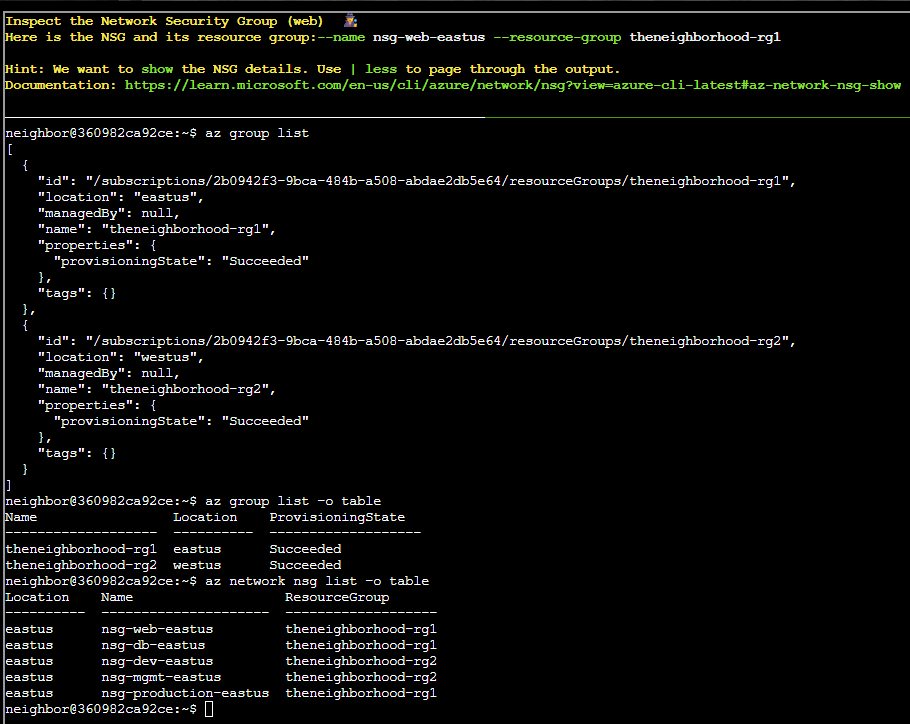
The next tasks from here asked to inspect all NSGs and spot the one with a bad configuration. The first NSG to inspect was the web NSG for theneighborhood-rg1.
I used the following command:
| Show nsg-web-eastus | |
|---|---|
1 | |
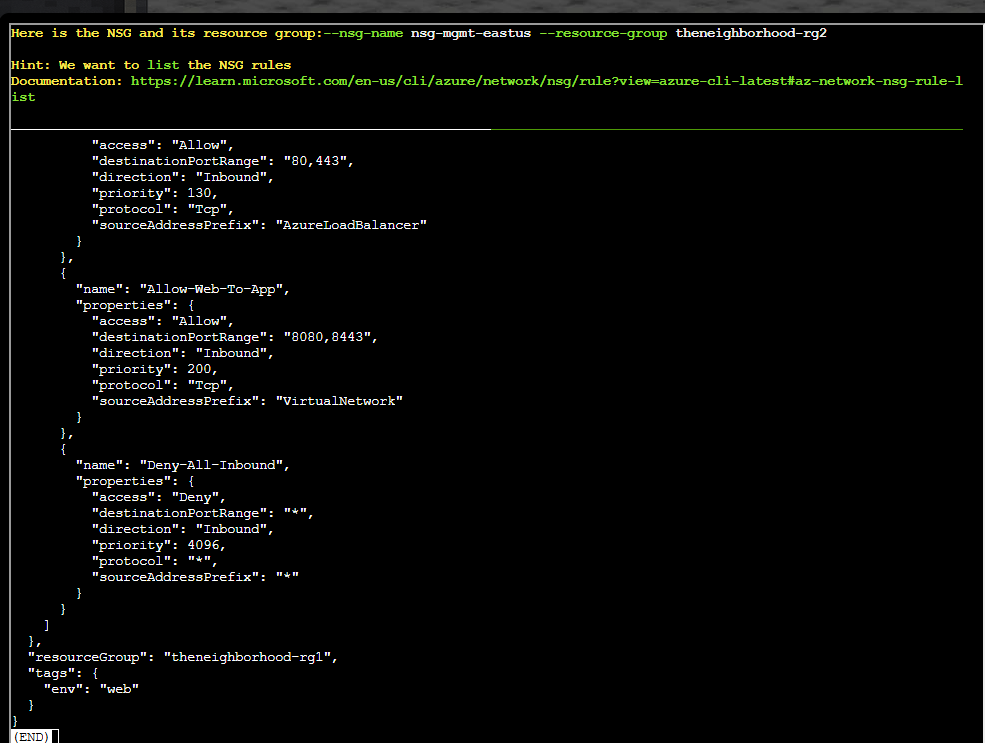
The details show all rules of the web NSG but no particular rule with overly permissible access.
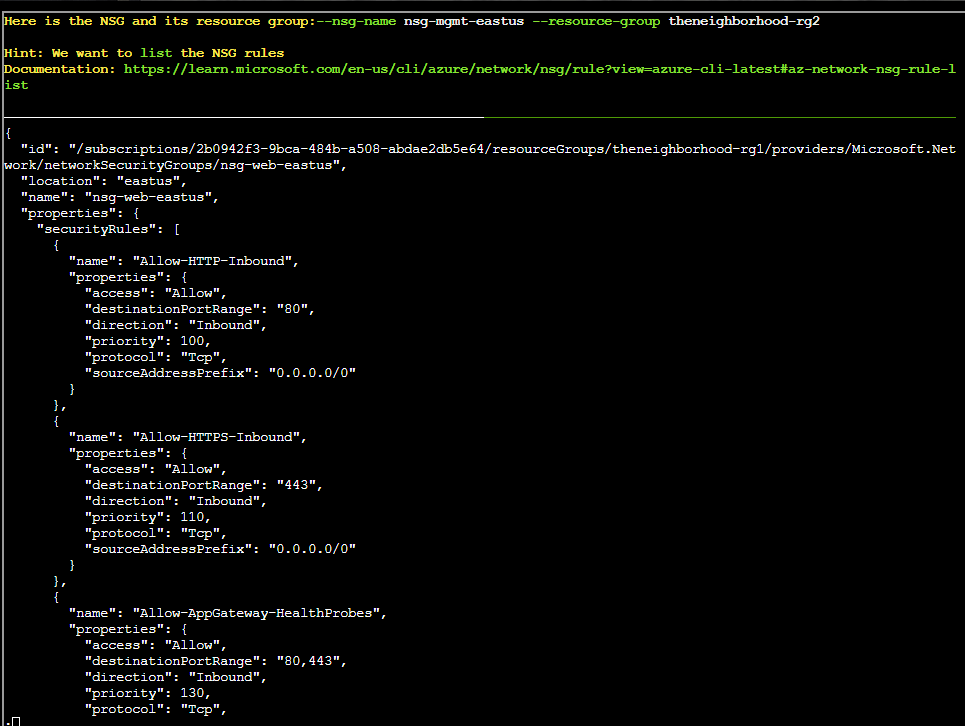
Additional details from the previous NSG output confirmed it was not the issue.
I inspected other NSGs including the management NSG using this command:
| Show nsg-mgmt-eastus | |
|---|---|
1 | |
The details still did not show the exposed rule.
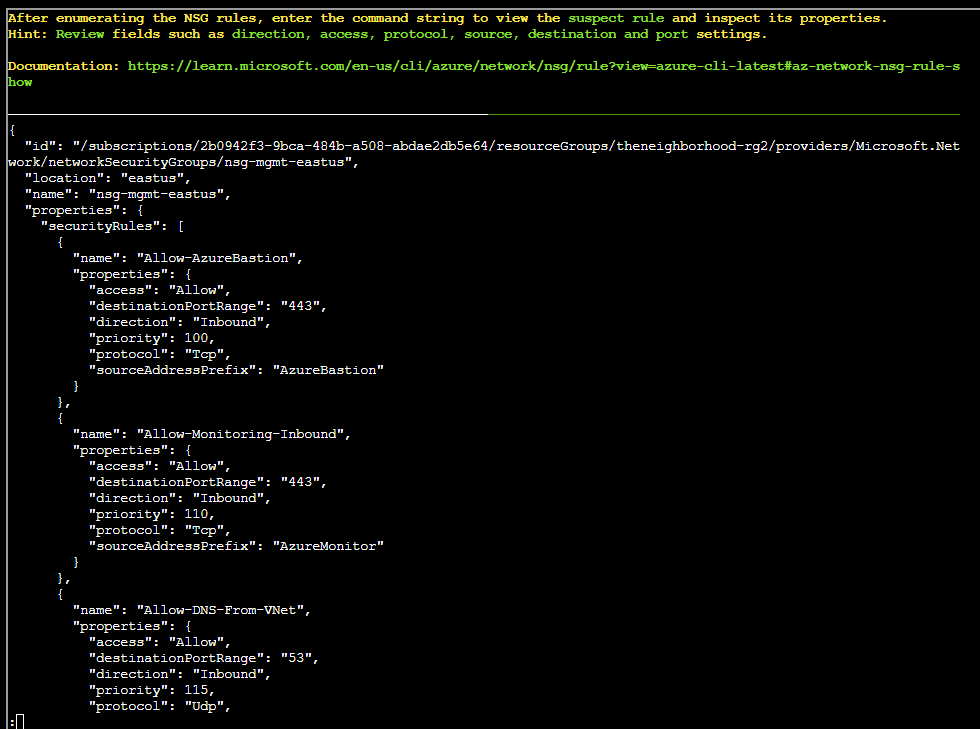
Additional details from the management NSG confirmed no public exposure.
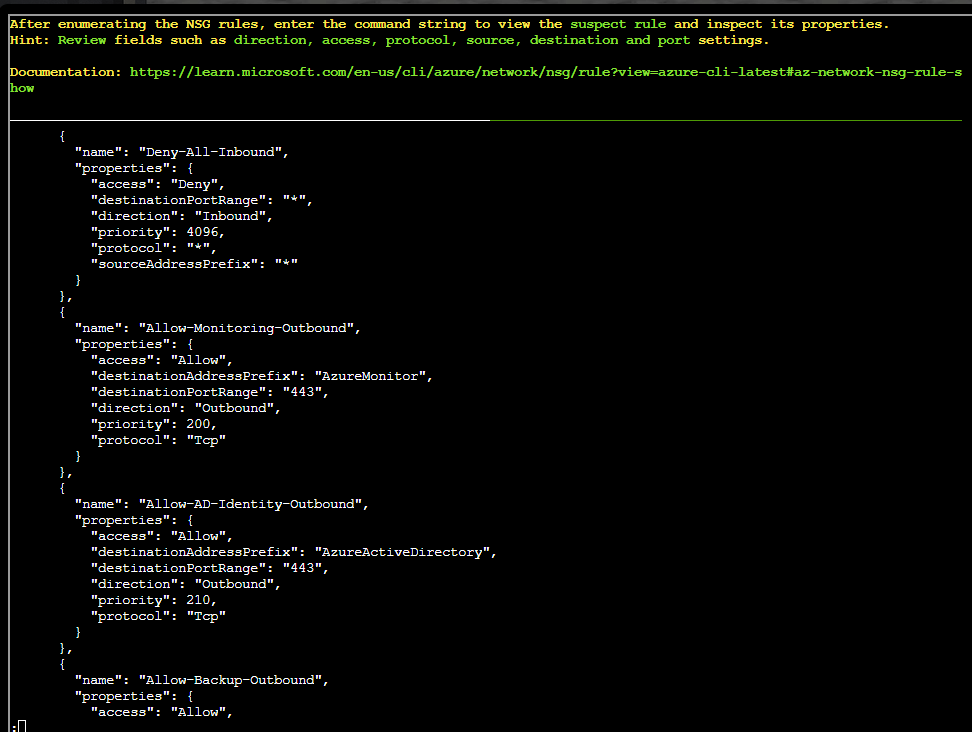
However, when inspecting the production NSG for theneighborhood-rg1, a particular rule with overly permissive access was found.
I used the following command:
| Show nsg-production-eastus | |
|---|---|
1 | |
The rule named Allow-RDP-From-Internet is overly permissive since it allows unrestricted internet access to RDP port.
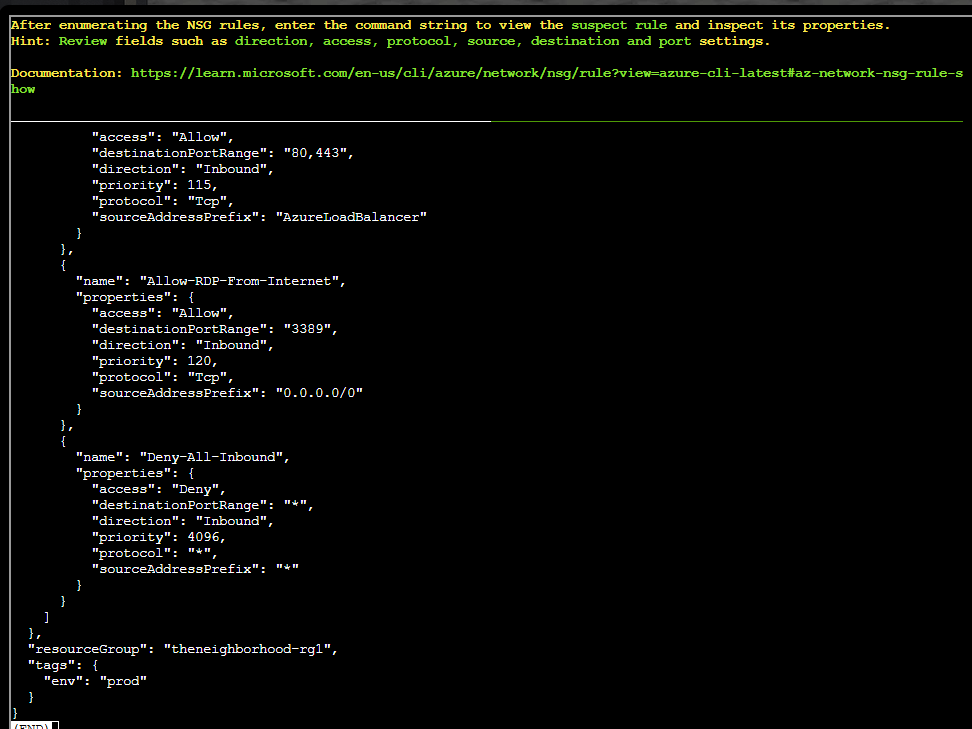
I decided to inspect the specific rule using the command:
| Show Allow-RDP-From-Internet rule | |
|---|---|
1 | |
As visible on the screenshot, I also inspected the Allow-Jumpbox-Remote-Access rule which revealed that the rule does not give public RDP access.
However, the Allow-RDP-From-Internet rule showed unrestricted internet access to RDP, confirming the misconfiguration.
The challenge was also confirmed as a success.
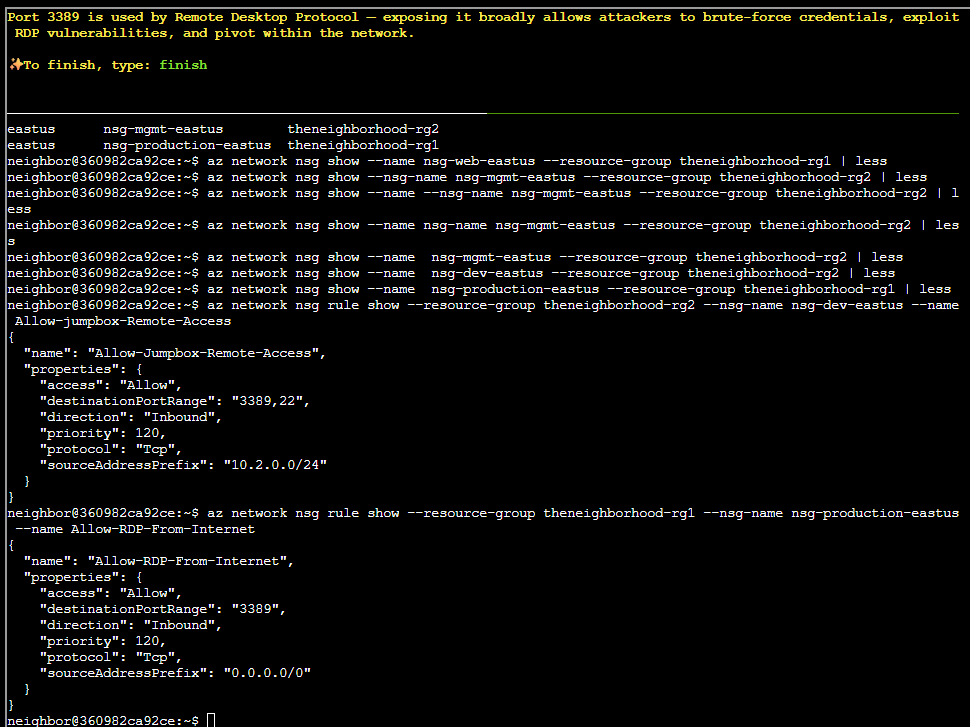
The challenge completed after identifying the risky rule.
The objective was added to the achievements list.

Prevention
- Never expose RDP/SSH directly to the internet (
0.0.0.0/0); scope NSG rules for management ports to known, trusted source IP ranges only. - Use Azure Bastion or Just-In-Time VM access instead of a standing open management port, so RDP is only reachable for a short, approved window.
- Continuously audit NSGs with Azure Policy or Defender for Cloud to flag any "any-source" rule on sensitive ports.
Response⚓︎
Lucas
Ha! 'Properly protected' they said. More like 'properly exposed to the entire internet'! Good catch, amigo.