Neighborhood Watch Bypass⚓︎
Difficulty:
Direct link: Neighborhood Watch Bypass
Objective⚓︎
Request
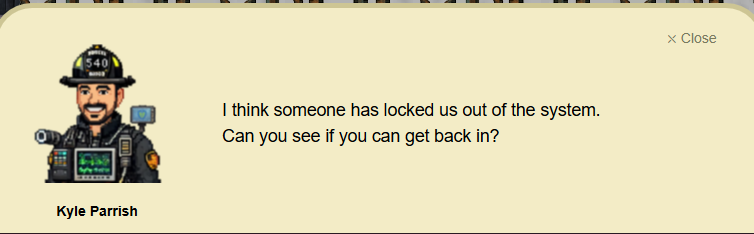
Assist Kyle at the old data center with a fire alarm that just won't chill.
Kyle Parrish
Solution⚓︎
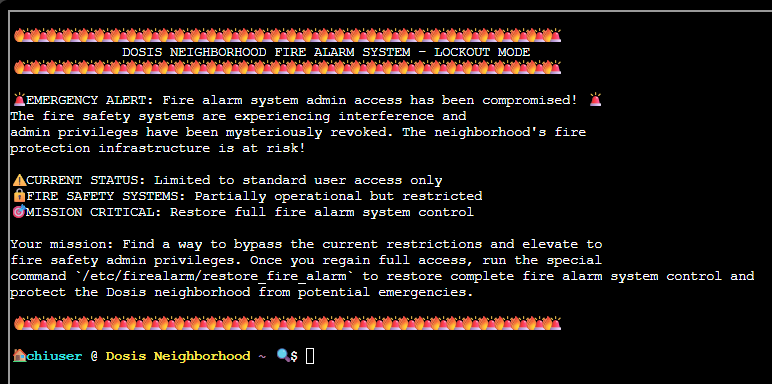
On opening the terminal, we are presented with a message that says the fire alarm system admin access is compromised and only standard user access is available. The task is to bypass the current restrictions and elevate to the fire alarm system control. After achieving the privilege escalation, we should run the script at
| Fire alarm system restoration script | |
|---|---|
1 | |
And the fire alarm system control will be restored completely.
Enumeration⚓︎
The first phase was focused on understanding the host context and checking for privilege escalation.
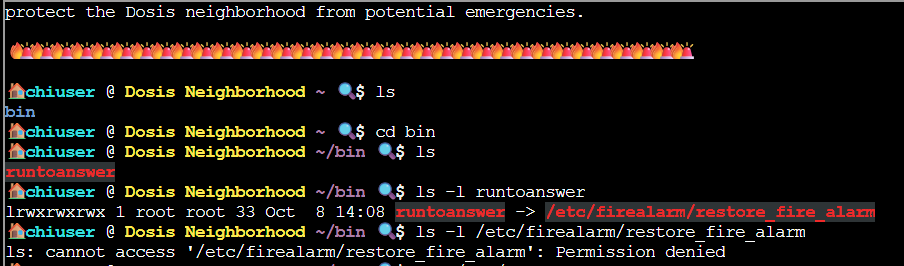
The home folder of the standard user contains the folder bin which contains the file runtoanswer. The file runtoanswer has a symbolic link to the file that should be run after the privilege escalation /etc/firealarm/restore_fire_alarm. The standard user does not have access to this file as even the ls -l /etc/firealarm/restore_fire_alarm command returned a Permission denied.
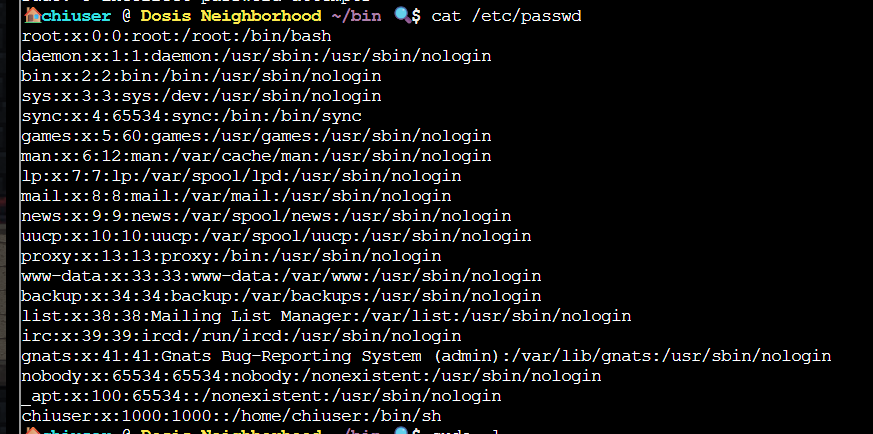
I checked the /etc/passwd to see if any other users exist. This was obviously a dead end since only the root account and the chiuser are login accounts. Additionally, the root account is protected by a password.
After some online search, I found that the command sudo -l can be used to list the sudo commands the current user is allowed to run.
The command sudo -l revealed that the current user can run the root script /usr/local/bin/system_status with no password.
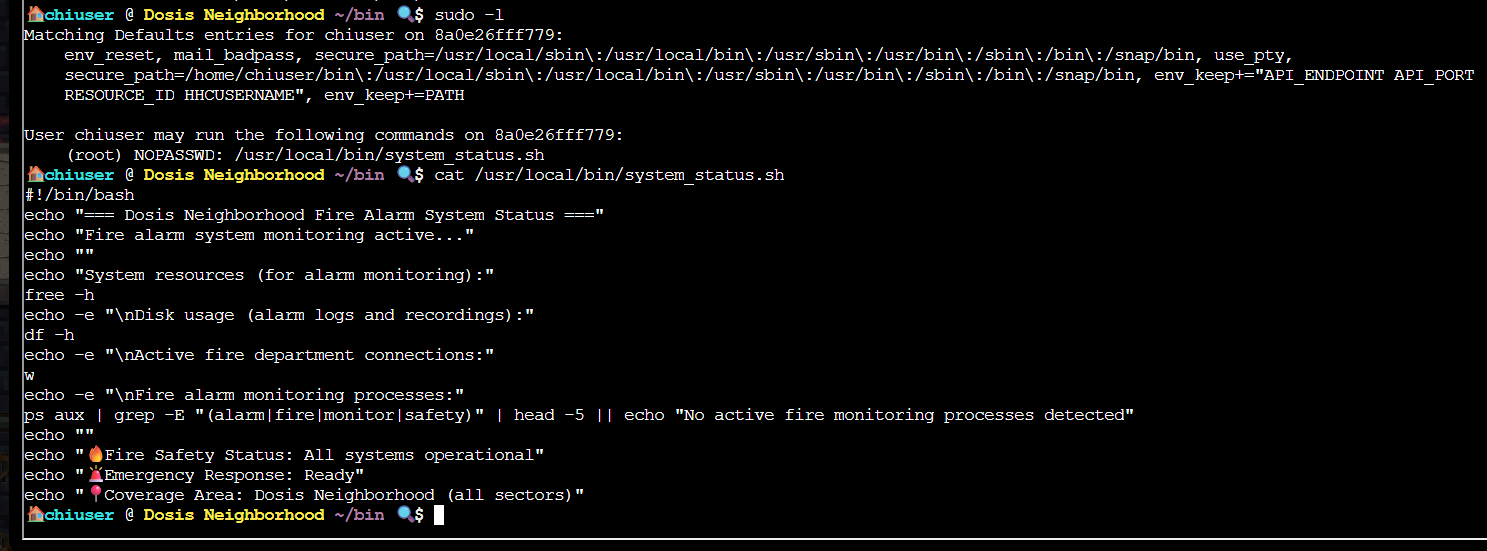
A quick look at the /usr/local/bin/system_status file reveals that the script checks the Fire alarm system status, the system resources, disk usage, and running processes.
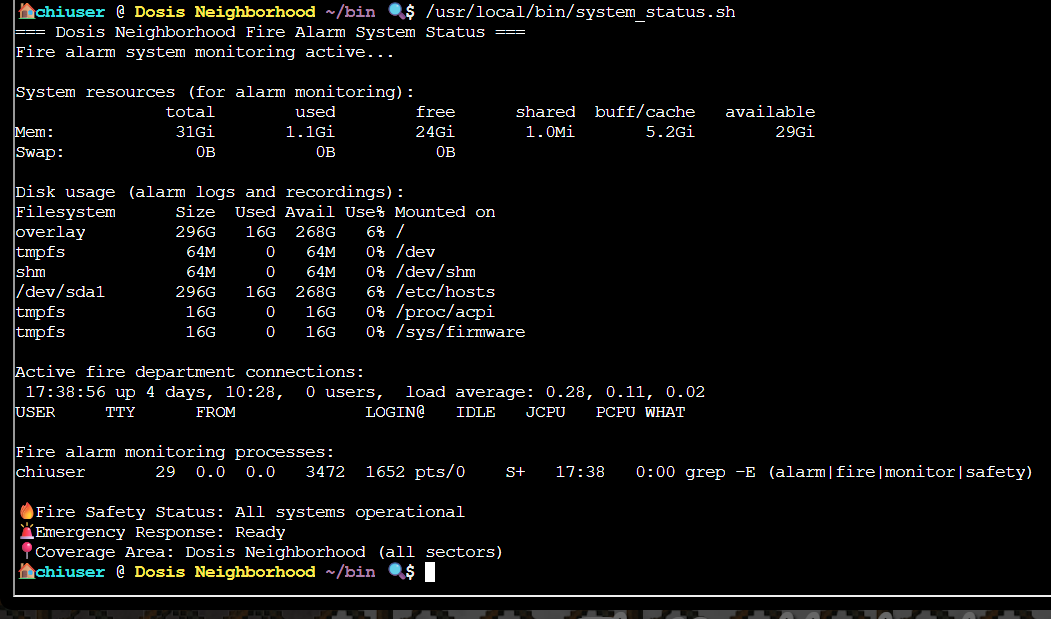
When the script is run, all the system status are shown.
Key finding
Possible path hijacking using the free command called in the /usr/local/bin/system_status script
The free command discloses the amount of free and used memory in a system. Like many utilities, this command resides in the /usr/bin folder.
When a command is called, the system looks for the command based on the PATH configuration. For the free command, the path search on a Debian-based system will be PATH="$HOME/bin:/usr/local/bin:/usr/bin:/usr/bin:/sbin:/bin". Since the /usr/local/bin/system_status does not include the path to the free command, ~/bin/free will run first if it exists.
Exploitation⚓︎
After identifying that path hijacking is possible on this system, I created a bash script called free in the ~/bin/ directory.
The script contains these lines.
| free script | |
|---|---|
2 3 | |
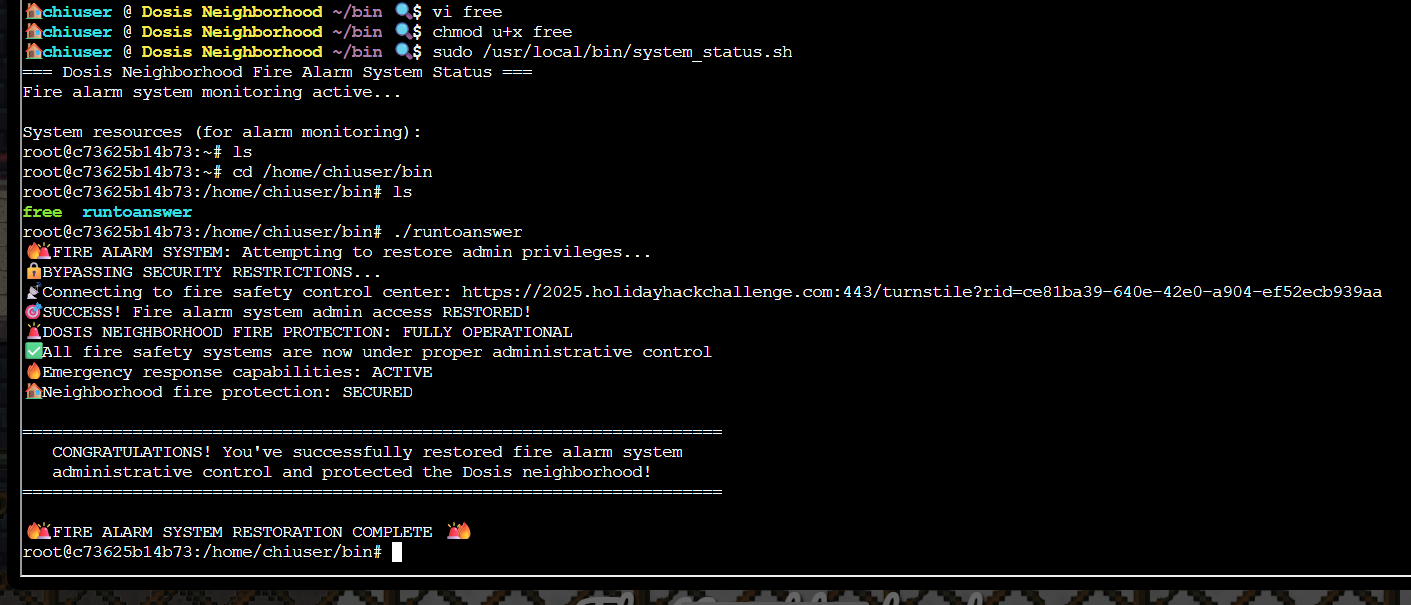
The -p option here helps to preserve the elevated privilege when sudo /usr/local/bin/system_status is run. The exec sudo -i enables an interactive root shell.
Execution permission was given to the current user on the ~/bin/free script.
After running the ~/bin/free script, I got root access and was able to run the /home/chiuser/bin/runtoanswer script, which has a symbolic link to the script /usr/local/bin/system_status. This restored the fire alarm system administrative control.
Prevention
- Use absolute paths (e.g.
/usr/bin/free) for every command invoked inside a privileged script, or explicitly set a locked-downPATH(e.g.PATH=/usr/bin:/bin) at the top of the script so it can't pick up a binary from a user-writable directory. - Avoid
NOPASSWDsudo entries for scripts that shell out to other binaries; if elevated automation is required, keep the script minimal, restrict who can run it, and reviewsudo -loutput regularly for overly permissive entries.
Validation and Completion⚓︎
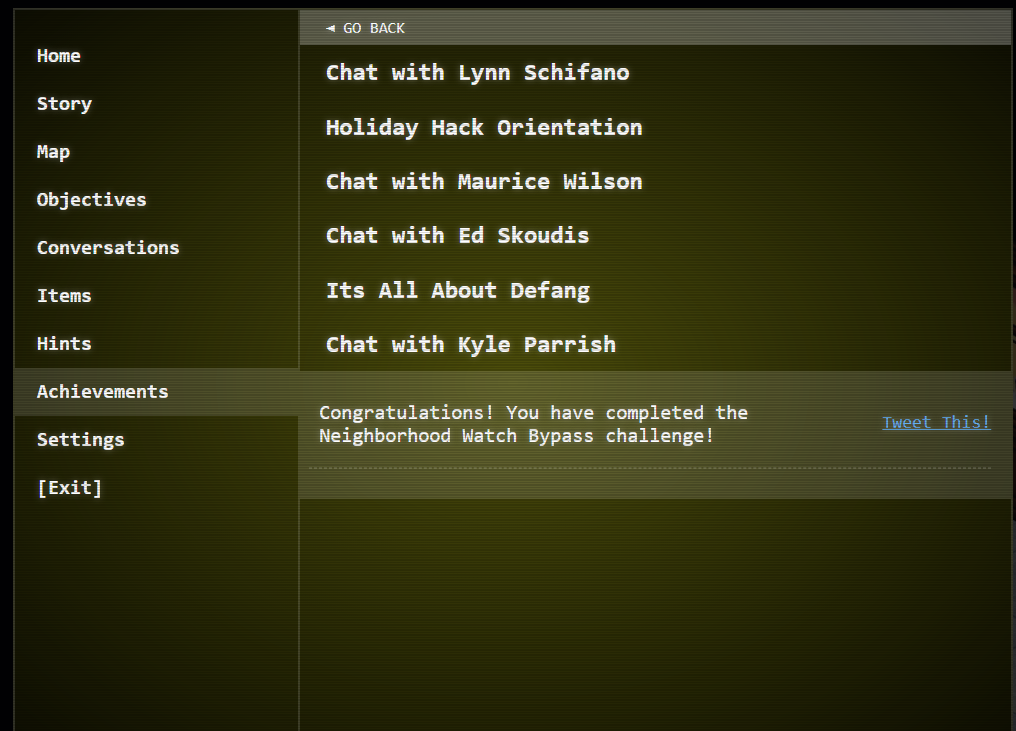
The objective was added to the achievements list.
Response⚓︎
Kyle Parrish
Wow! Thank you so much! I didn't realize sudo was so powerful. Especially when misconfigured. Who knew a simple privilege escalation could unlock the whole fire safety system?