Blob Storage Challenge in the neighborhood⚓︎
Difficulty:
Direct link: Blob Storage Challenge in the neighborhood
Objective⚓︎
Request
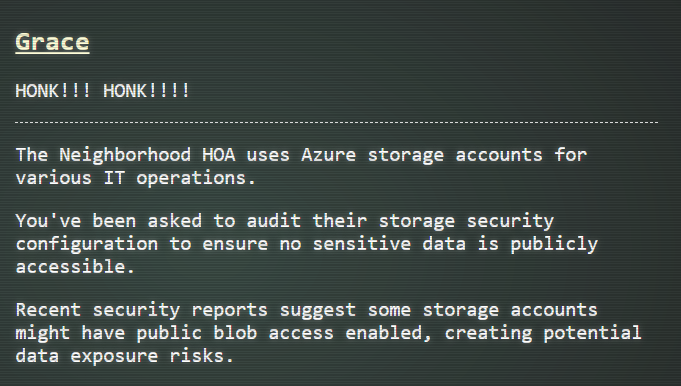
Help the Goose Grace near the pond find which Azure Storage account has been misconfigured to allow public blob access by analyzing the export file.
Grace
Solution⚓︎
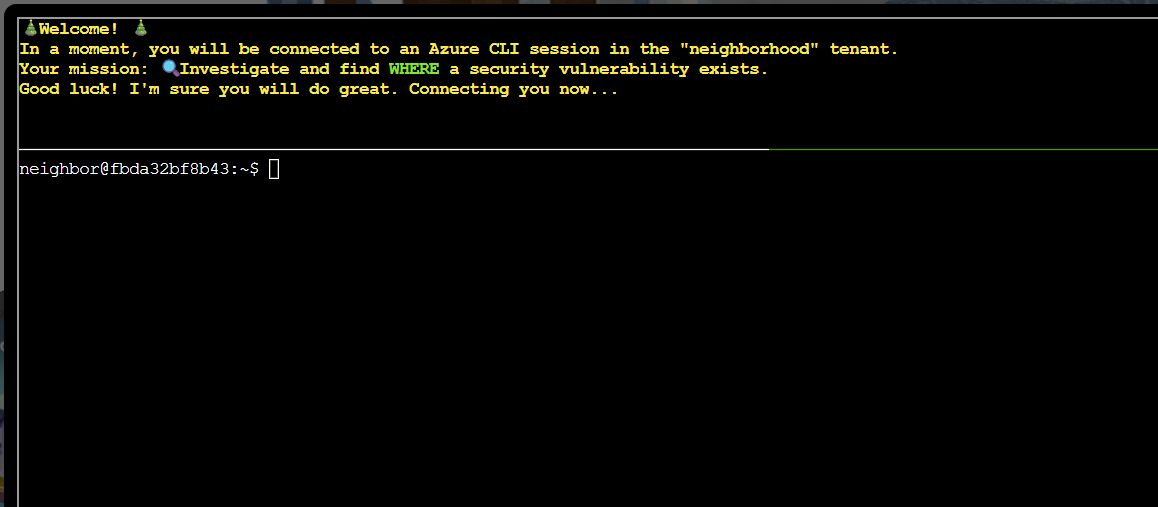
Grace asked me to audit the Azure storage security configuration and identify which storage account has public blob access enabled. The terminal session connected to the Azure CLI tenant and introduced the mission.
The first task asked to see the Azure CLI help using the command:
| Azure CLI help | |
|---|---|
1 | |
The command gave the list of available commands and options.
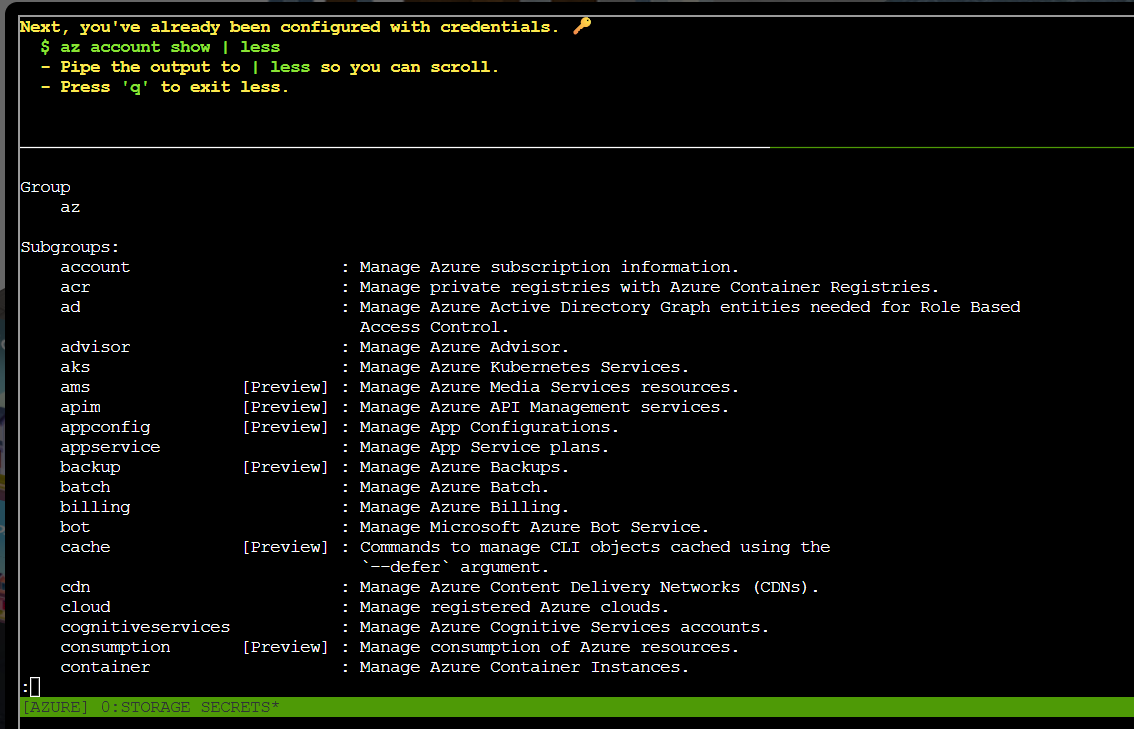
The second task asked to display the current active account with the command:
| Azure CLI current account | |
|---|---|
1 | |
The result shows that the account name active is "theneighborhood-sub".
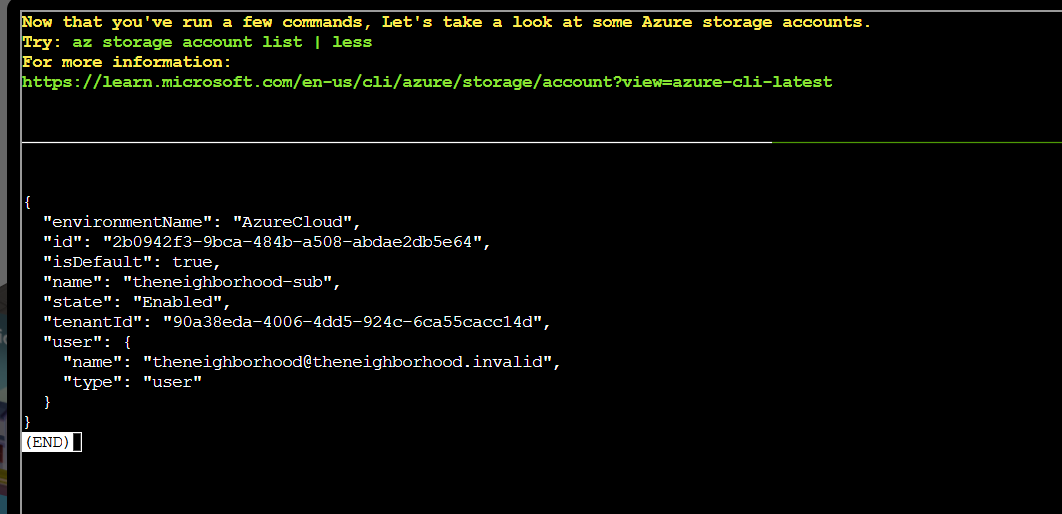
The next task asked to list all storage accounts the active subscription can access with the command:
| Azure CLI list subscriptions | |
|---|---|
1 | |
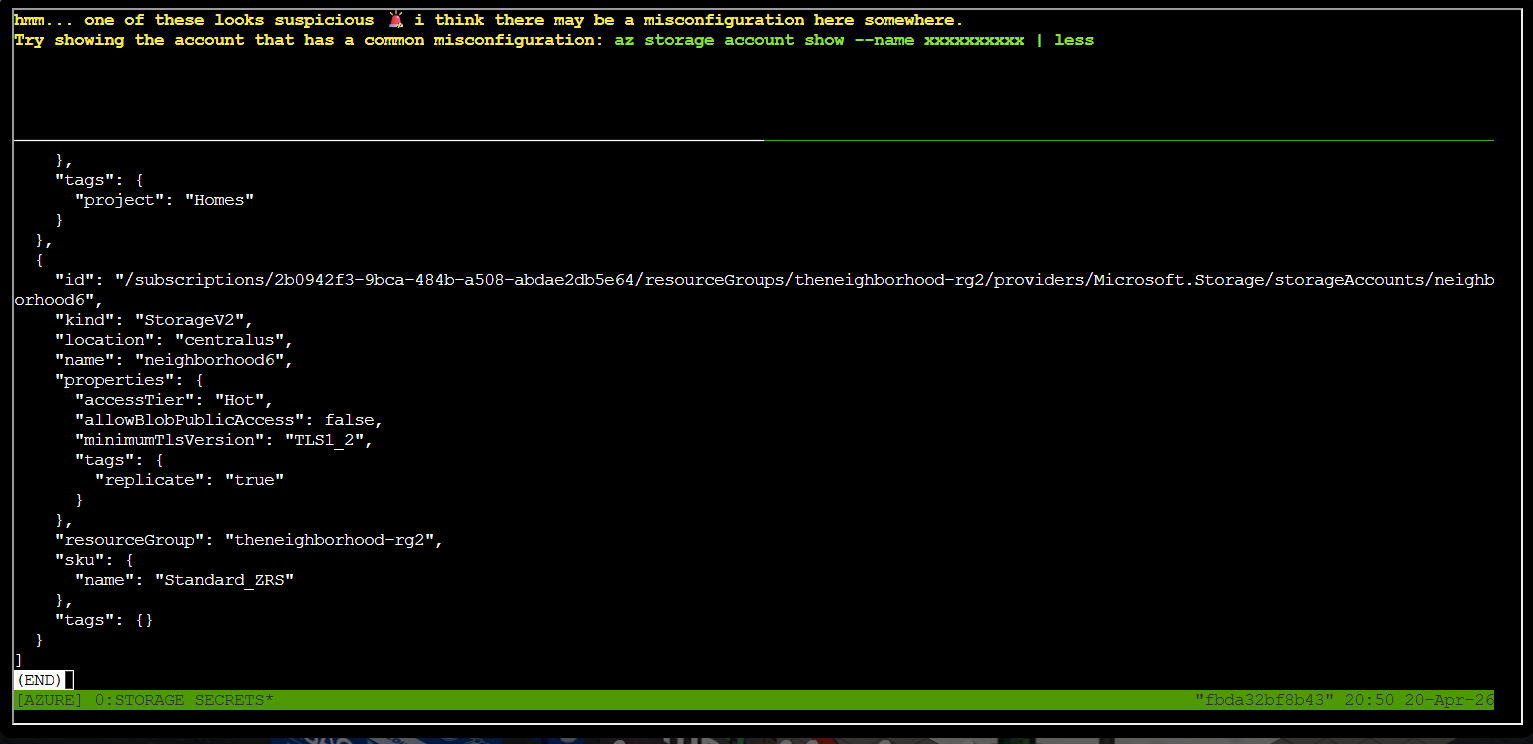
The next task asked to show the details of each storage account and identify the one with public blob access using the command:
| Azure CLI show storage account | |
|---|---|
1 | |
After checking a couple of them, the account name neighordhood2 shows a "allowBlobPublicAccess": true
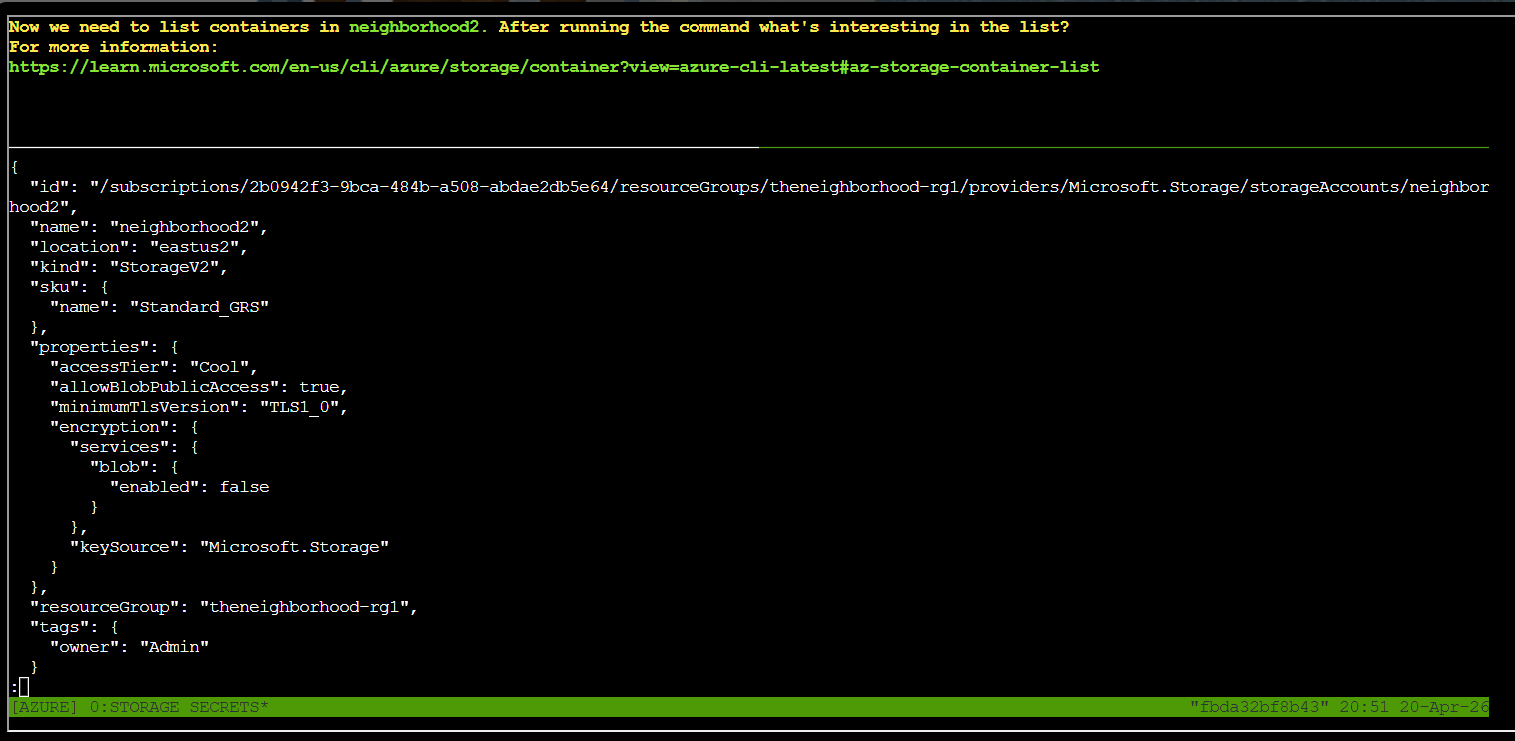
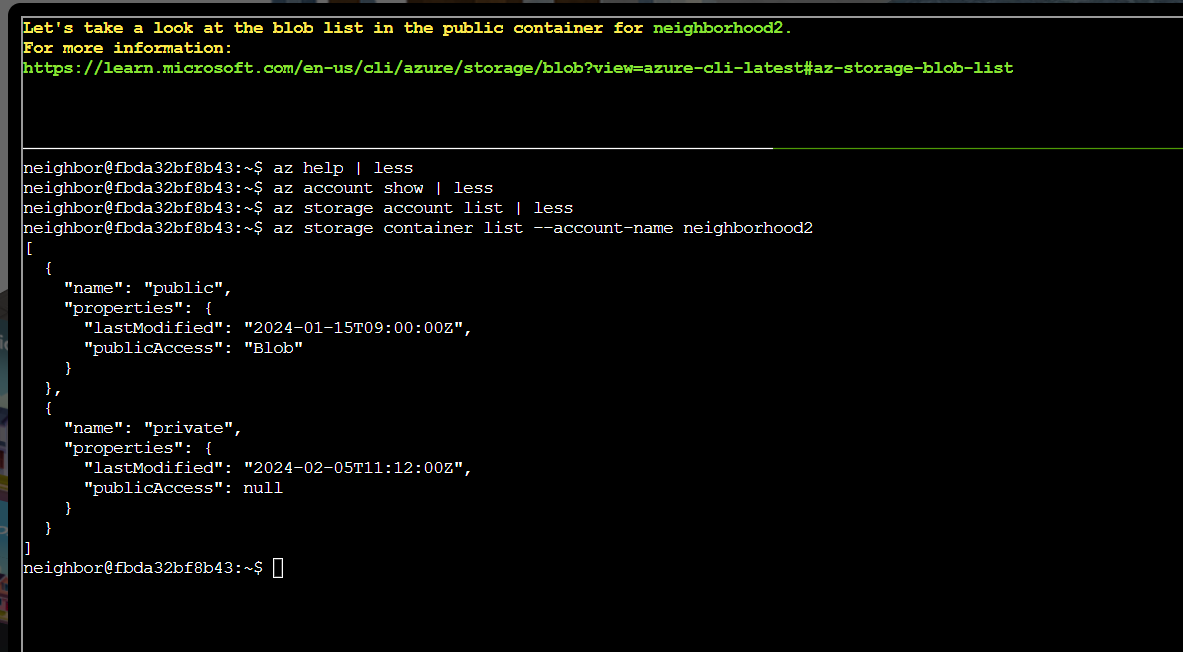
The next task asked to list the containers for the storage account neighordhood2. I used the command:
| Azure CLI list public containers | |
|---|---|
1 | |
The command revealed a private and a public container.
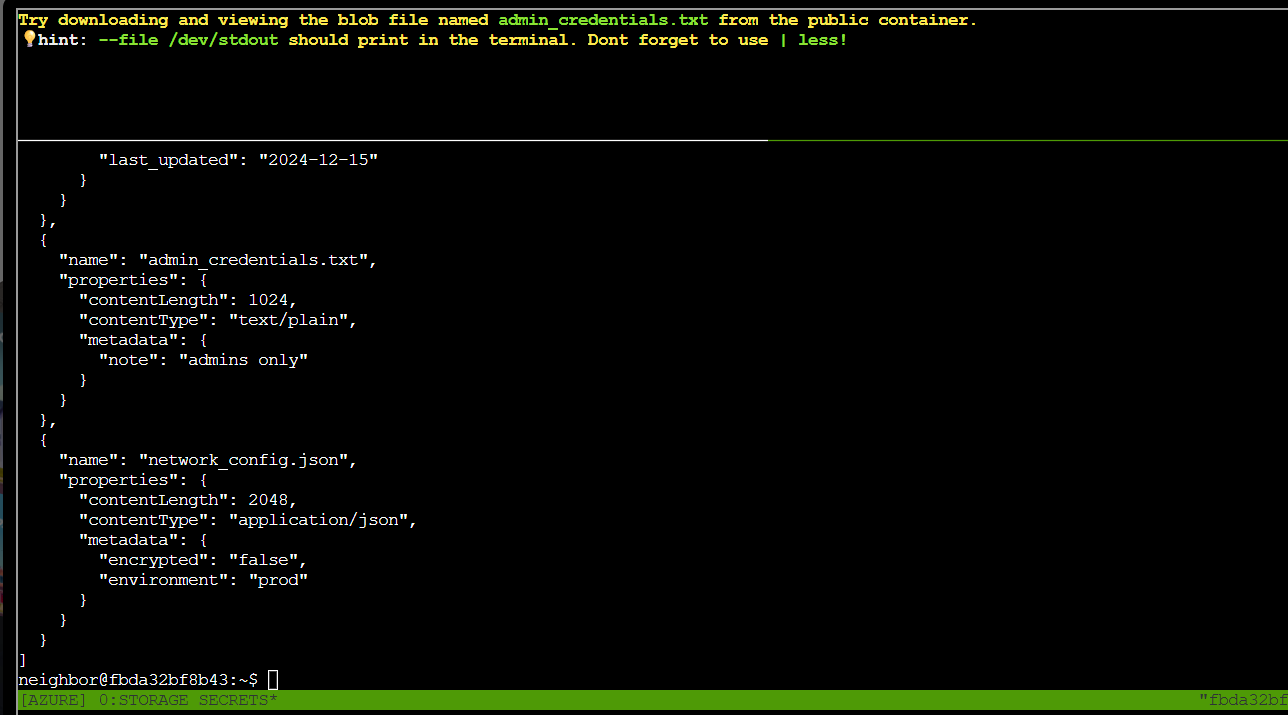
The next task asked to take a look at the blob list in the public container for the storage account neighordhood2. I used the command:
| Azure CLI list public blobs | |
|---|---|
1 | |
The command revealed the blob list of the public container.
This particular screenshot shows the file of interest admin_credentials.txt.
The next task was to download and view the file admin_credentials.txt using the command:
| Azure CLI download public blob | |
|---|---|
1 | |
This command with the --file /dev/stdout option shows the content of the file on the screen.
After downloading and displaying the content of the file admin_credentials.txt, the challenge was completed.
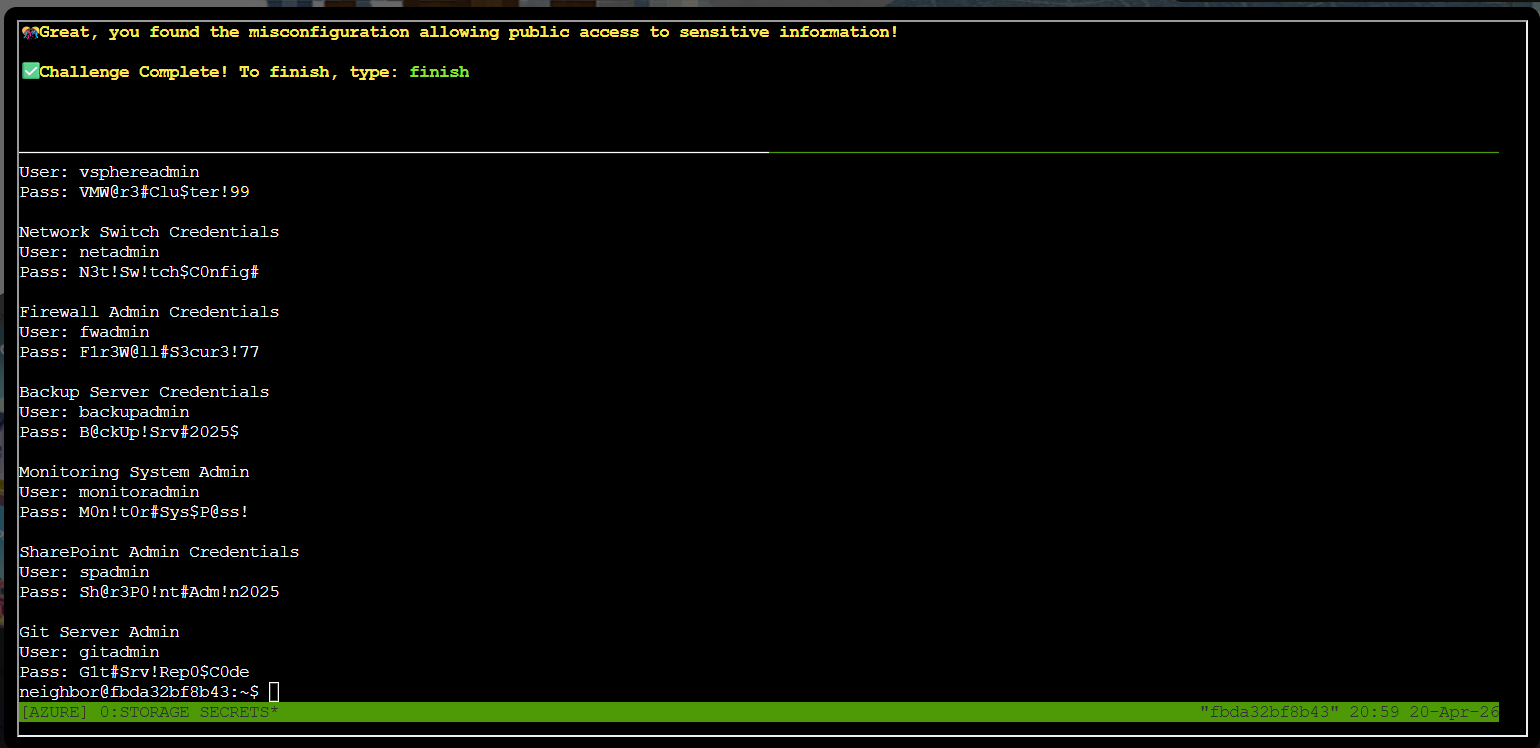
I typed finished as required to complete the objective.
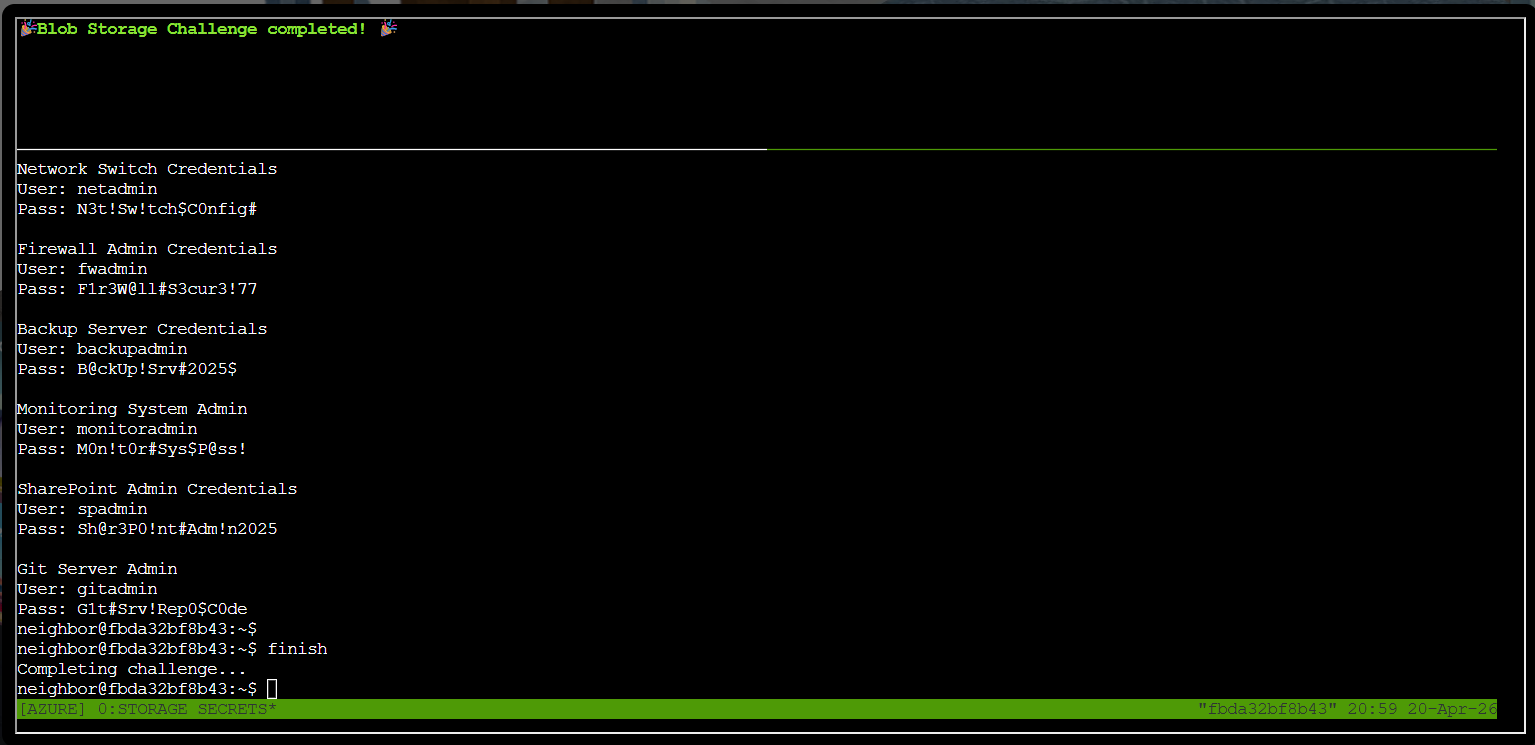
The objective was added to the achievements list.

Prevention
- Set
allowBlobPublicAccesstofalseat the storage account level (and enforce it tenant-wide with an Azure Policy) unless a container genuinely needs anonymous access. - Never store credentials or other secrets in blob storage in plaintext; keep them in Key Vault and reference them at runtime instead.
- Enable Microsoft Defender for Storage to continuously flag publicly accessible containers and unusual access patterns.
Response⚓︎
Grace
HONK HONK HONK! 'No sensitive data publicly accessible' they claimed. Meanwhile, literally everything was public! Good save, security expert!