Spare Key⚓︎
Difficulty:
Direct link: Spare Key
Objective⚓︎
Request
Help Goose Barry near the pond identify which identity has been granted excessive Owner permissions at the subscription level, violating the principle of least privilege.
Barry
Solution⚓︎
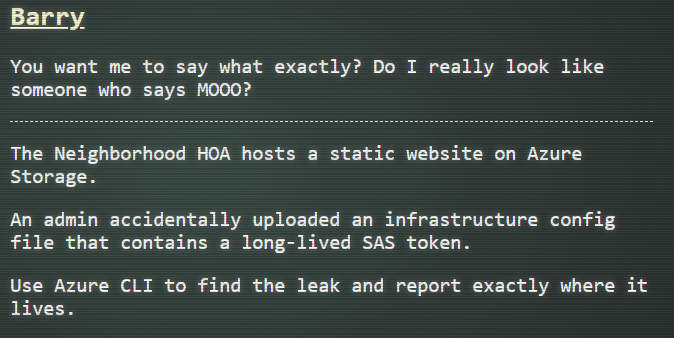
Barry asked me to use the Azure CLI to find the admin accidentally uploaded infrastructure config file.
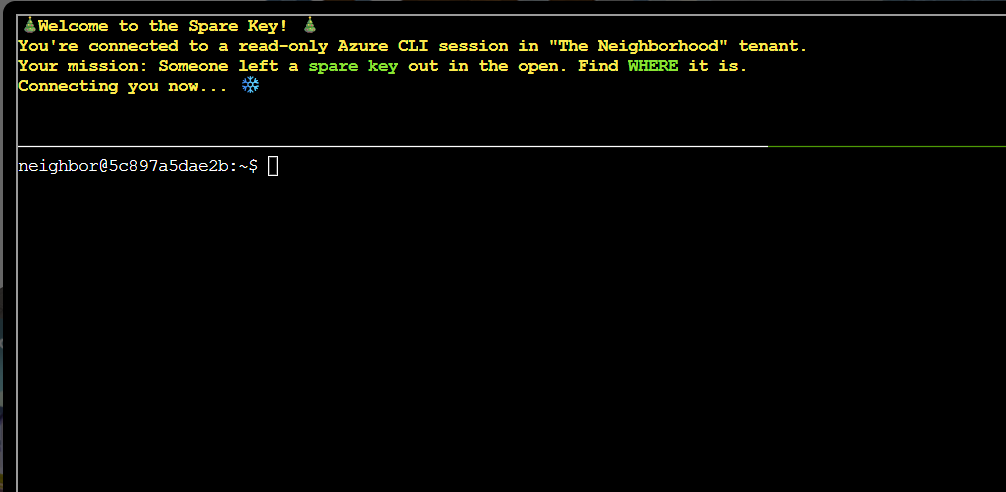
The terminal session introduced the challenge and the Azure CLI environment.
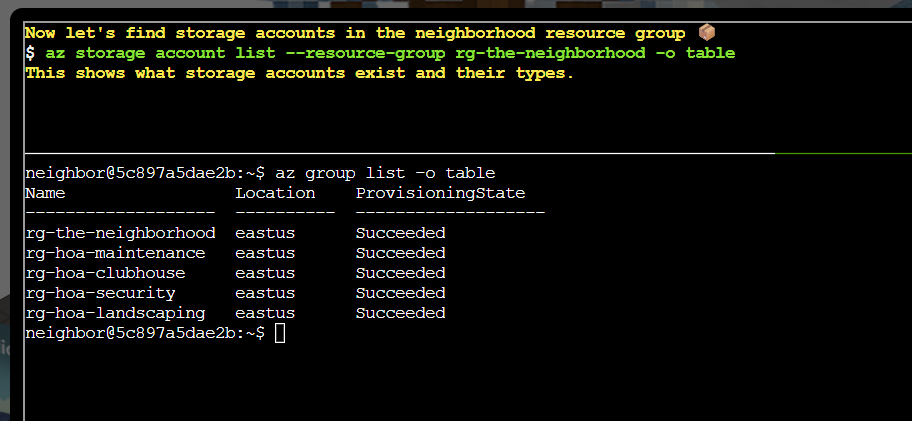
The first task was to list available resource groups using the command:
| List resource groups | |
|---|---|
1 | |
The output showed the resource groups available in the subscription.
Task 2 was to list storage accounts in the neighborhood resource group using the command:
| List storage accounts in rg-the-neighborhood | |
|---|---|
1 | |
The results showed the different storage accounts in the resource group.
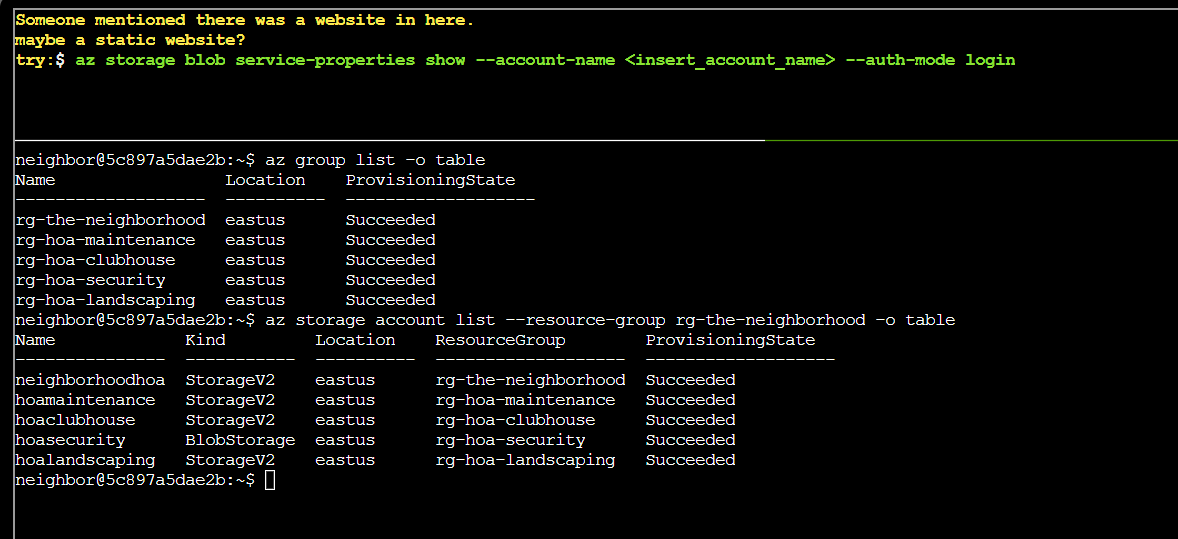
Apparently, there is a website in one of the storage accounts.
The next task was to check the blob service properties for each storage account. The first storage account's blob service properties were checked using:
| Show blob service properties | |
|---|---|
1 | |
This revealed that there is a website enabled for the account.
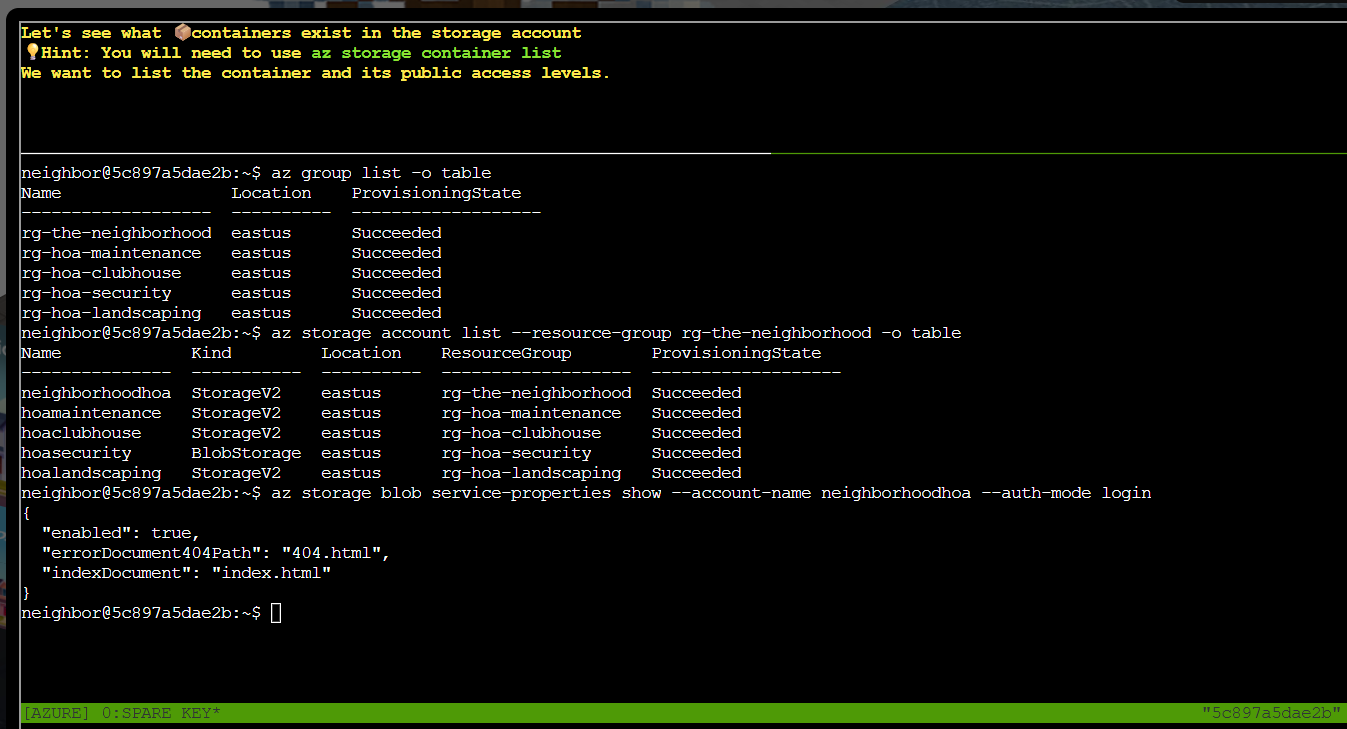
The next task was to list containers in the neighborhoodhoa storage account with the command:
| List containers | |
|---|---|
1 | |
The container list showed a $web container.
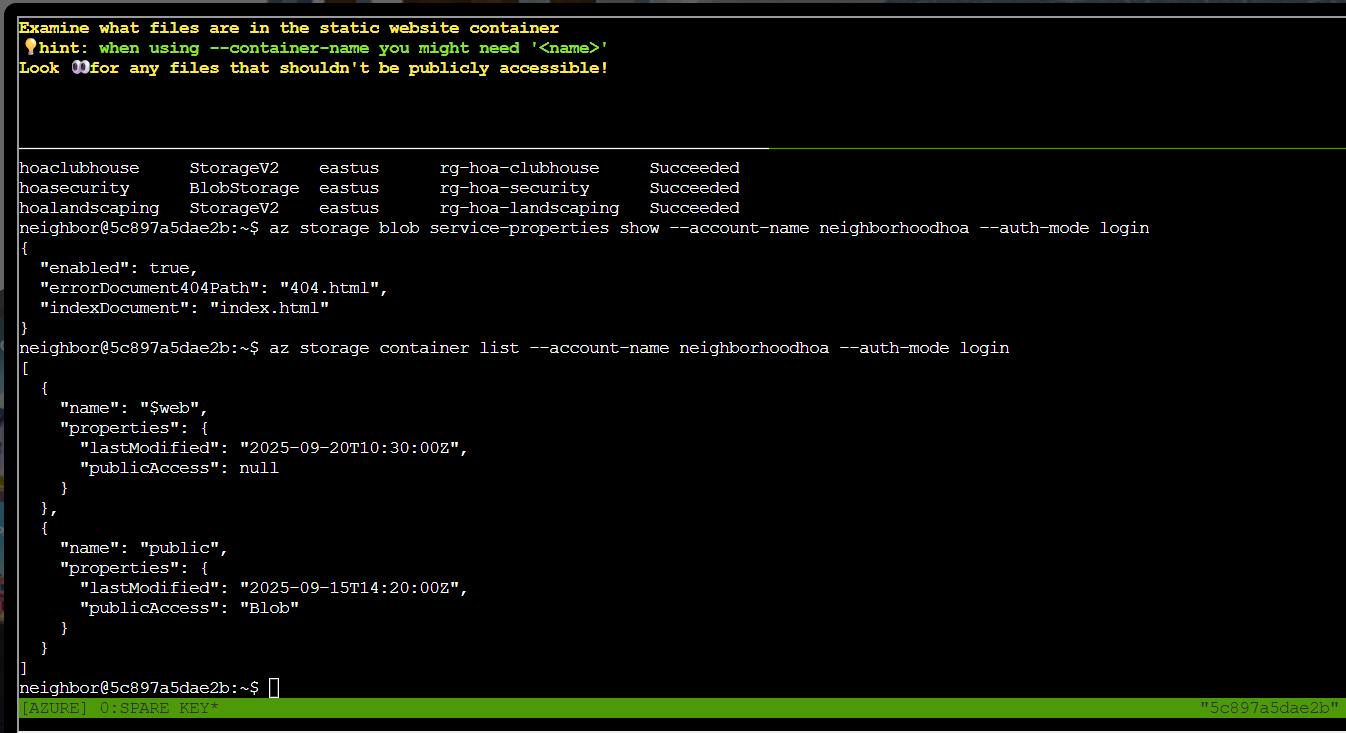
Task 5 was to list blobs in the $web container using the command:
| List blobs in $web | |
|---|---|
1 | |
The blob list included iac/terraform.tfvars.
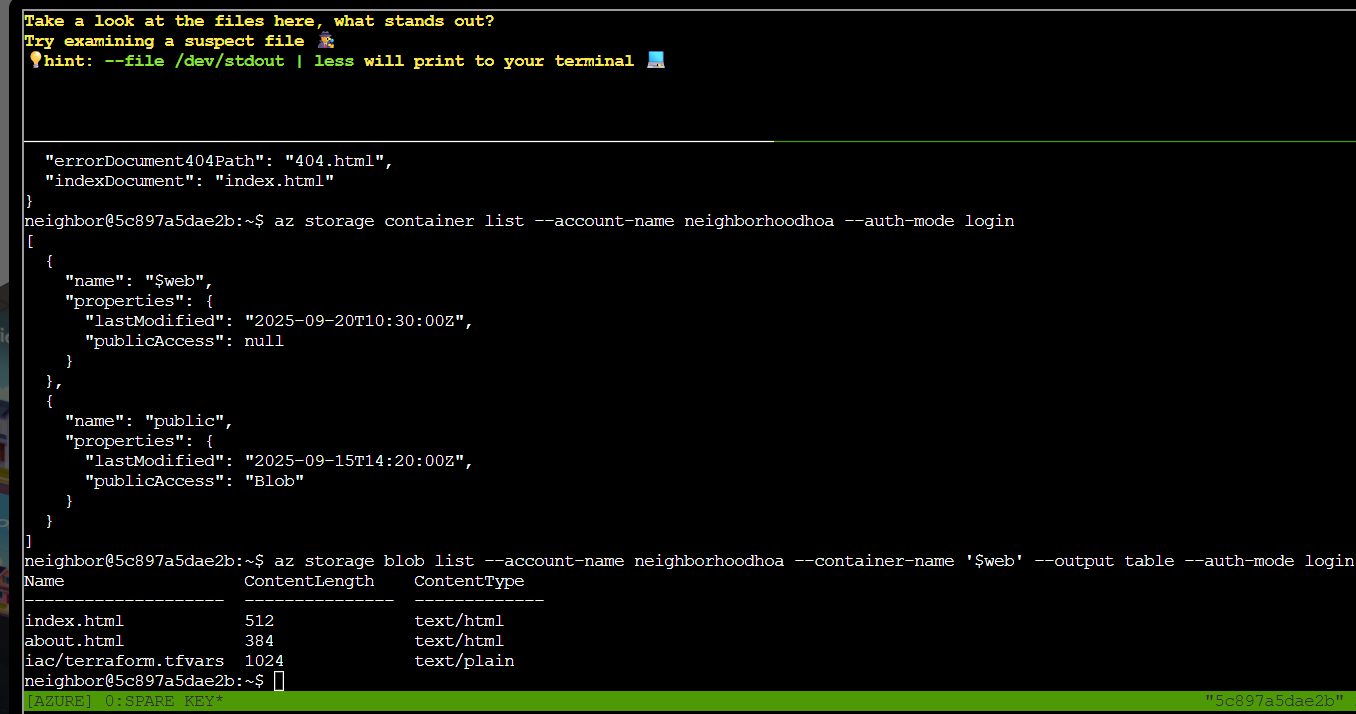
The next task was to download the tfvars file and review its contents with the command:
| Download terraform.tfvars | |
|---|---|
1 | |
The download of the tfvars file shows that the file contains sensitive information.
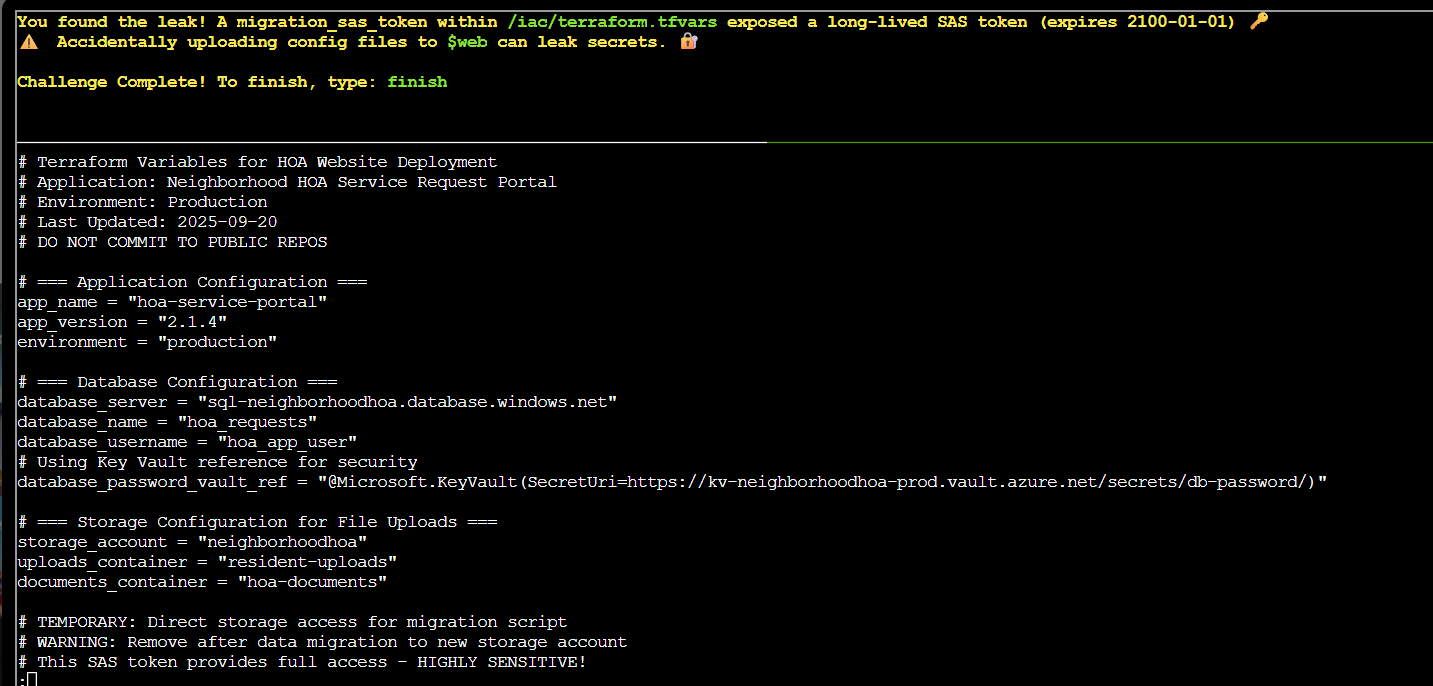
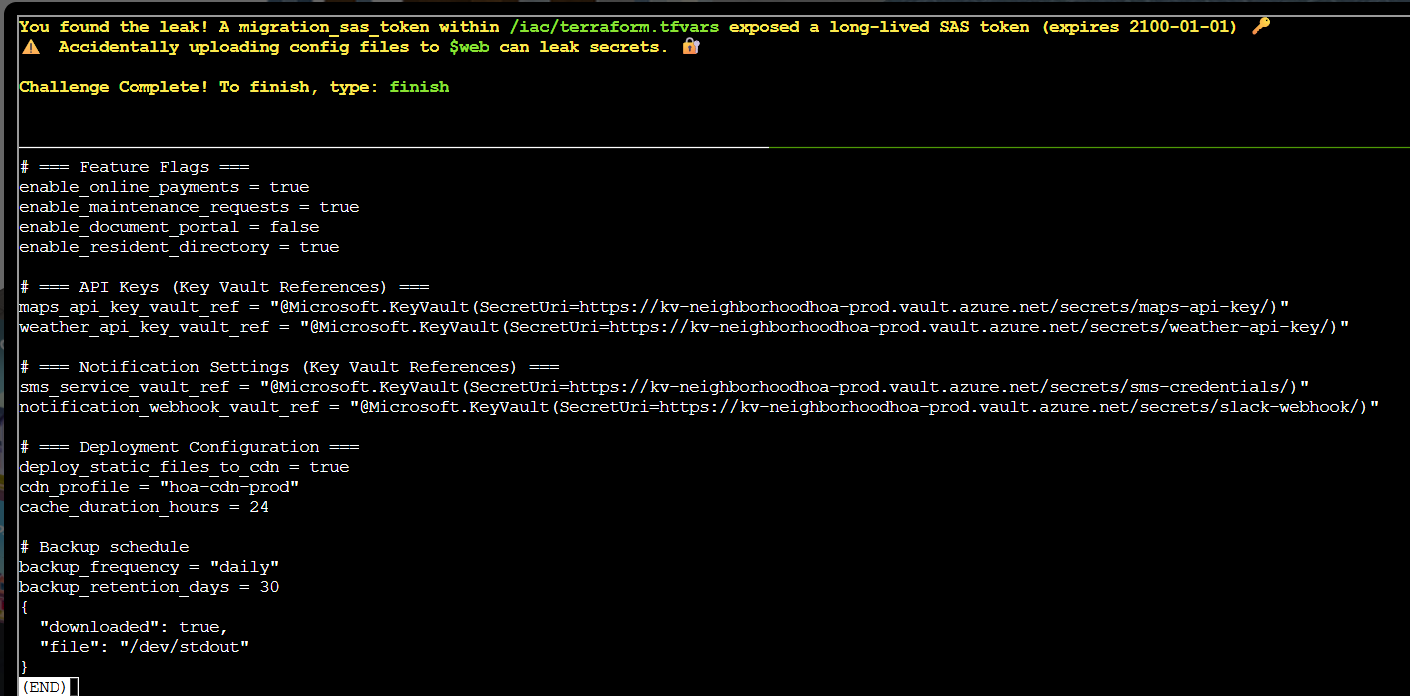
The challenge was completed after the finding. I typed finished as required to complete the objective.
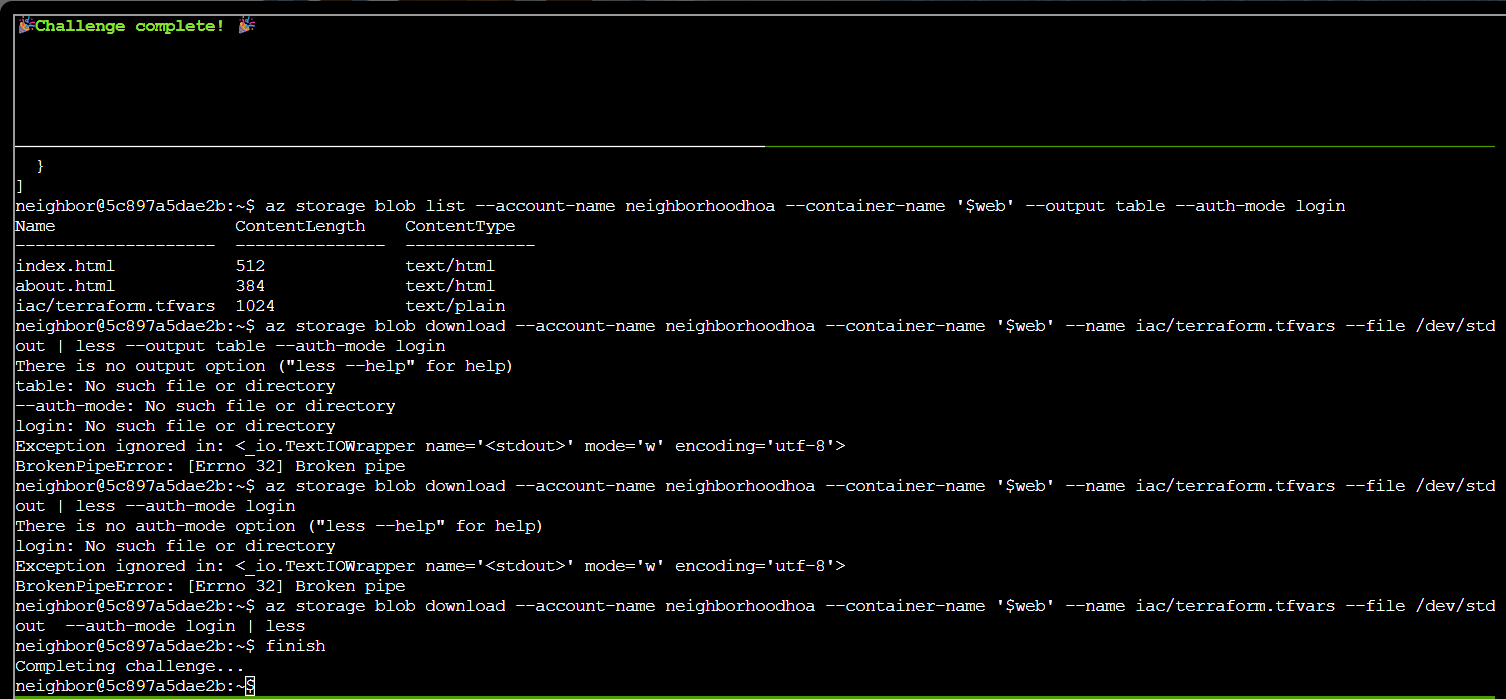
The objective was added to the achievements list.

Prevention
- Never deploy Terraform state or
.tfvarsfiles into a publicly-served$webcontainer (or any web root); keep IaC artifacts out of static-site deployment pipelines entirely. - Keep secrets like SAS tokens out of IaC variable files — pull them from Key Vault at apply-time instead of hardcoding them.
- Scope any SAS token as tightly as possible (specific resource, read-only where practical, short expiry) instead of issuing broad read-write-delete tokens.
Response⚓︎
Barry
There it is. A SAS token with read-write-delete permissions, publicly accessible. At least someone around here knows how to do a proper security audit.