Retro Recovery⚓︎
Difficulty:
Direct link: Retro Recovery
Objective⚓︎
Request
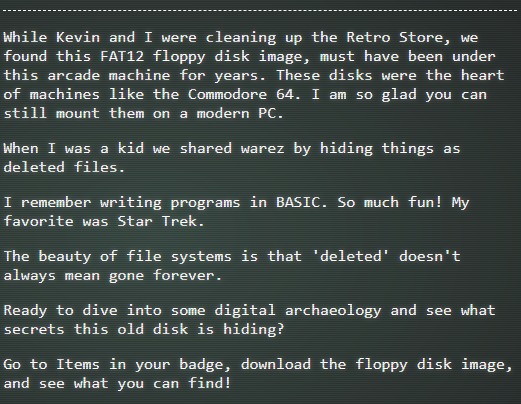
Join Mark in the retro shop. Analyze his disk image for a blast from the retro past and recover some classic treasures.
Mark DeVito
Solution⚓︎
Mark asked to download a disk image and see what secrets the disk is hiding.
In the Items list on the HHC website, the disk image floppy.img is available.
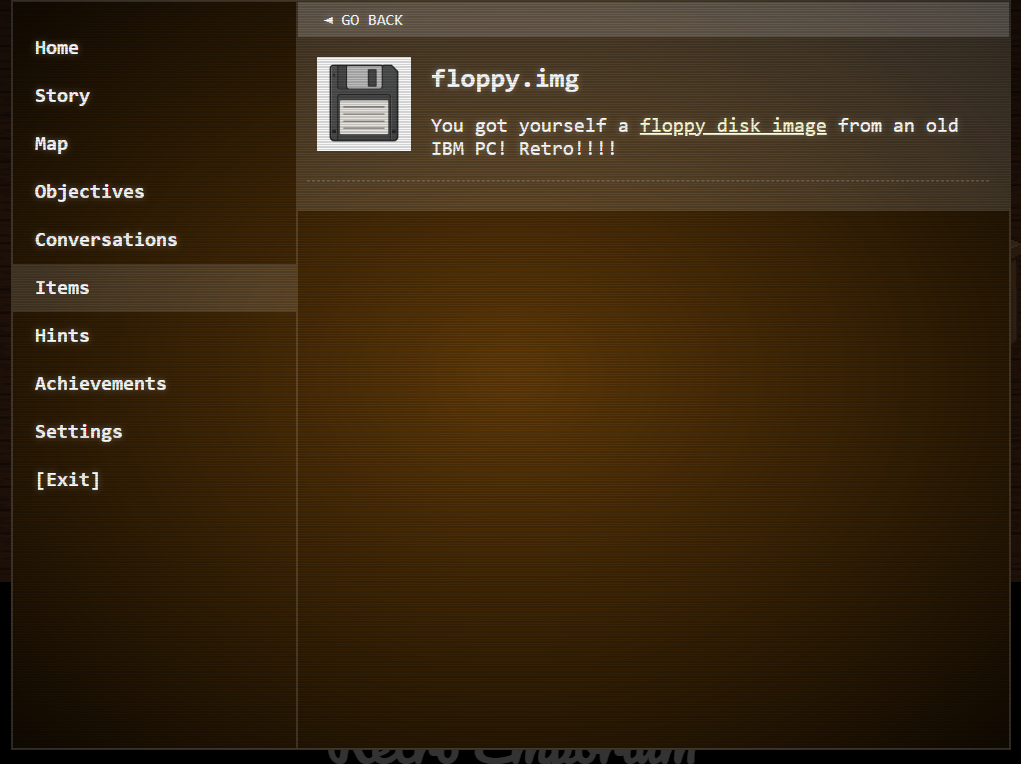
Image Analysis⚓︎
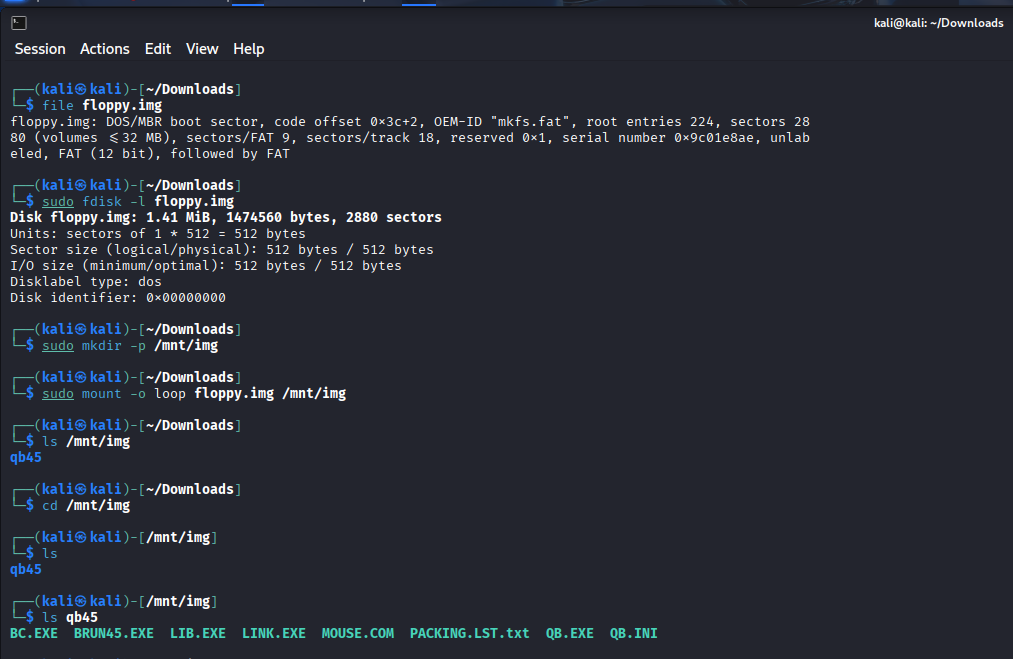
After downloading the disk image, I ran a couple of commands on it to analyze the disk contents.
The first command was to see the file type. I used the command:
| Image file type | |
|---|---|
1 | |
The file command revealed that the file is the image of a FAT12 disk as Mark said and it is also identified as a DOS/MBR boot sector. The floppy disk is probably bootable.
Next, I tried to view the disk image's partition table with the command:
| Disk partition table | |
|---|---|
2 | |
This command revealed that the disk image has a size of 1.41 MiB with 2880 sectors and a single partition.
I later mounted the disk image with the command:
| Mount disk image | |
|---|---|
3 4 | |
After mounting the image, I listed the disk content, and looked through the files. None of them contained anything meaningful.
Data Extraction⚓︎
I remembered that Mark said they used to share things by hiding them as deleted files.
So I decided to run testdisk on the drive and check for deleted files.
I used the command:
| Testdisk | |
|---|---|
1 | |
The command opened the Testdisk tool on the disk image.
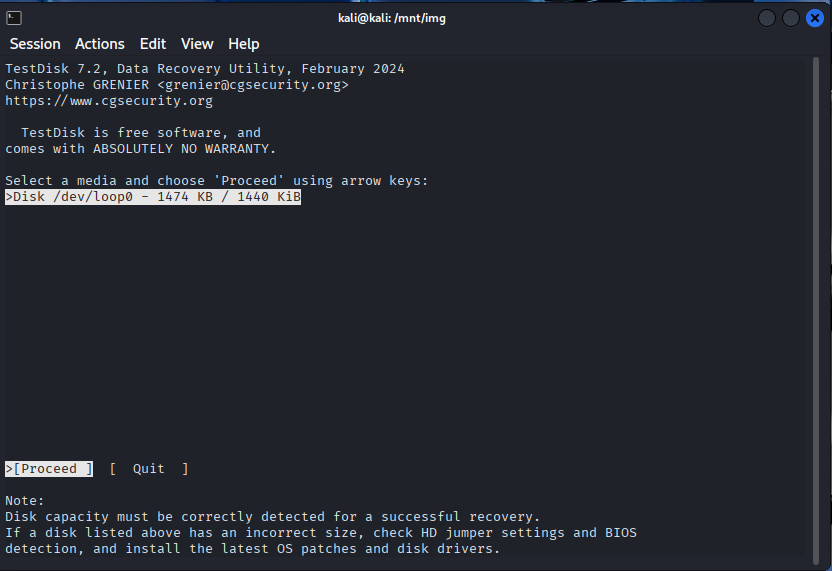
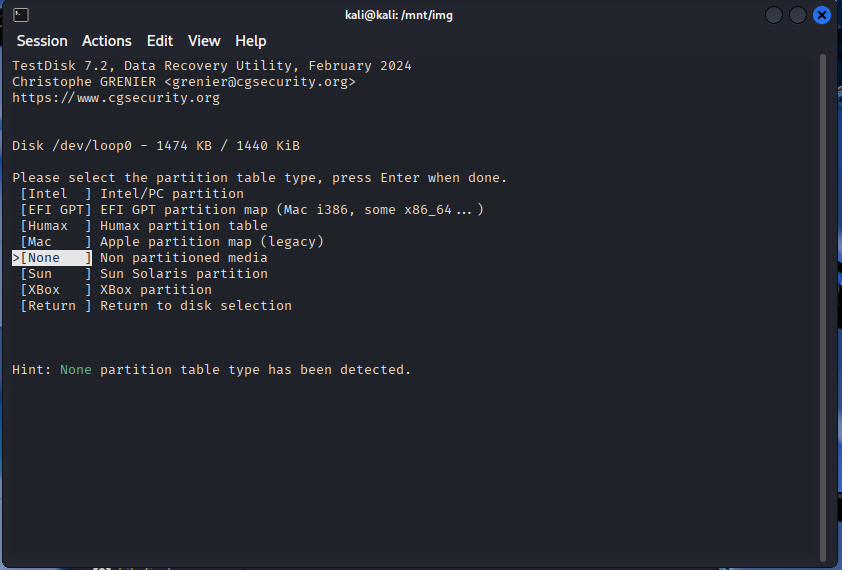
After selecting enter on the previous page, I got the page to select the partition table type. Since no partition table was detected I selected "None" as recommended by Testdisk.
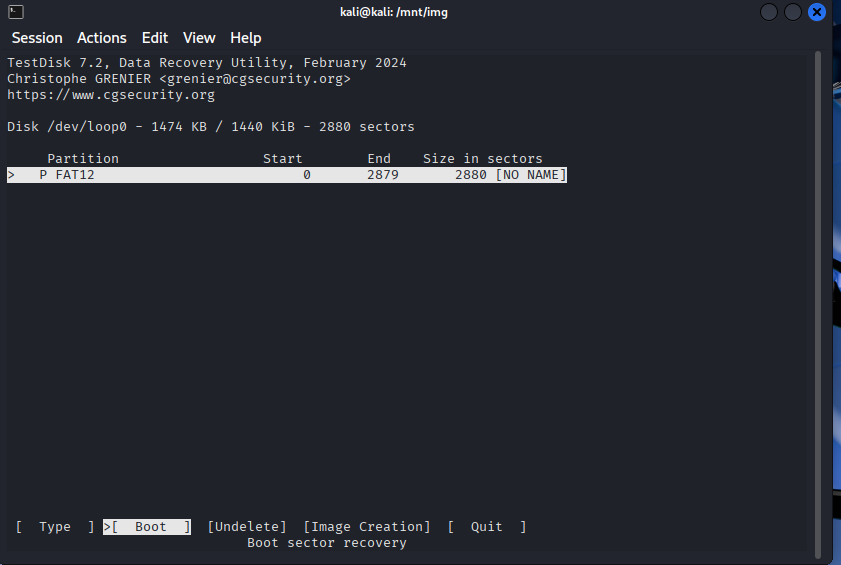
On the next screen I selected the single partition of the disk.
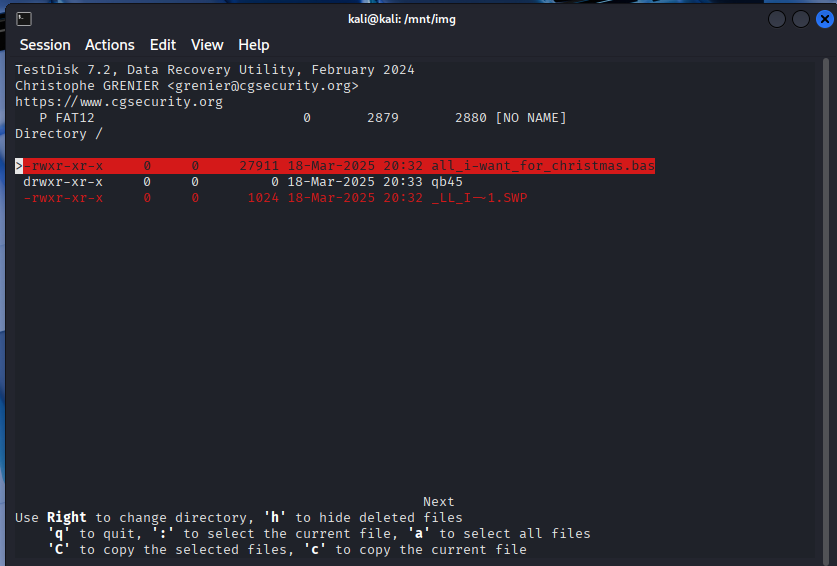
After selecting the partition, the content of the disk is listed including deleted files. Two files were deleted, but the all_i-want_for_christmas.bas seems the most obvious since the competition is happening during Christmas time.
I proceeded with 'C' to copy the selected file.
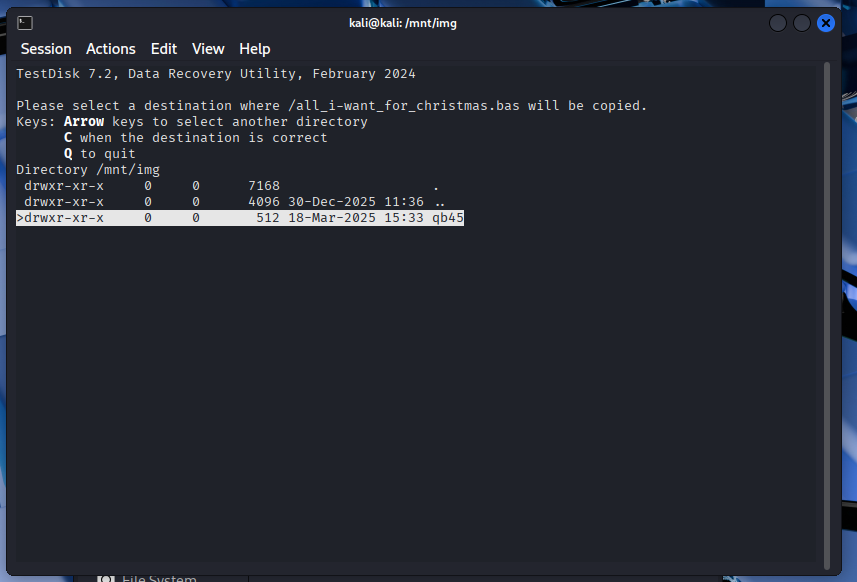
I chose the root directory of the disk as the destination to copy the all_i-want_for_christmas.bas file.
I exited the Testdisk tool and ran a ls to confirm that the file was recovered.
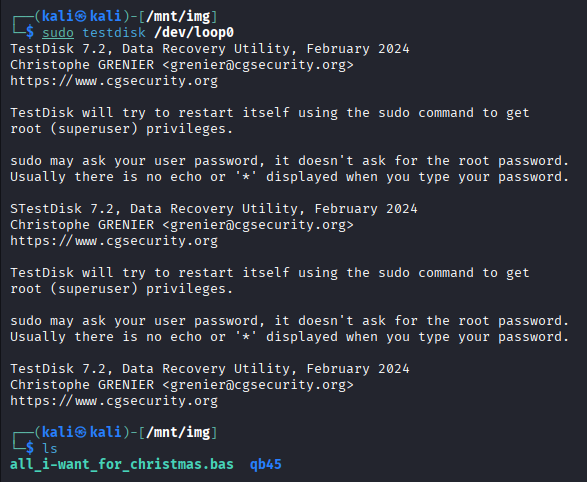
I opened the all_i-want_for_christmas.bas file and looked through it. A base64 encoding stood out.
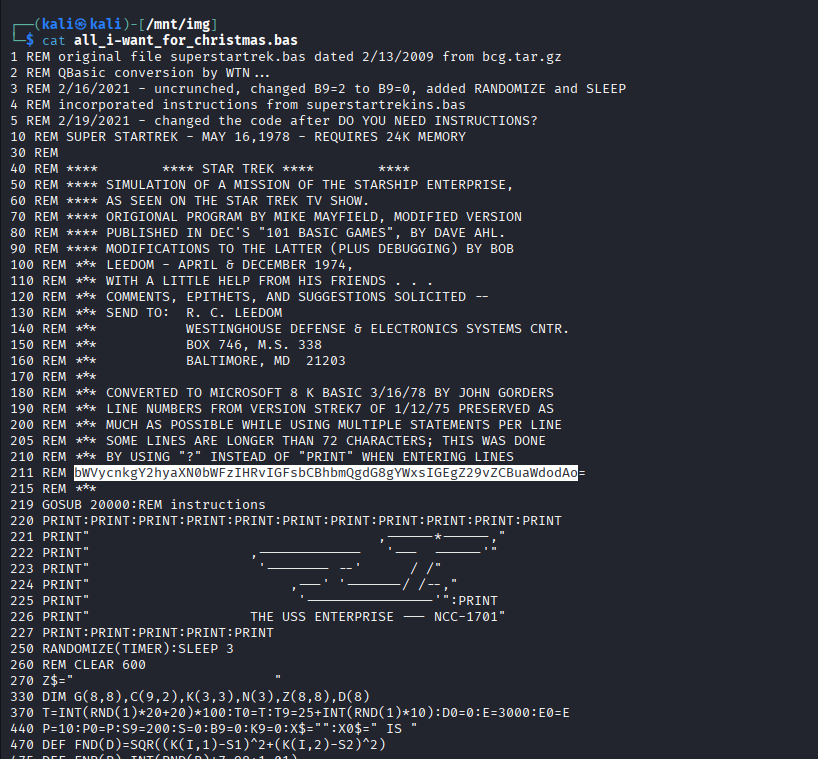
I decoded the base64 string with the command:
| Base64 decoding | |
|---|---|
1 | |
merry christmas to all and to all a good night.

The objective was added to the achievements list.

Answer
merry christmas to all and to all a good night
Response⚓︎
Mark DeVito
Excellent work! You've successfully recovered that deleted file and decoded the hidden message.