Intro to Nmap⚓︎
Difficulty:
Direct link: Intro to Nmap
Objective⚓︎
Request
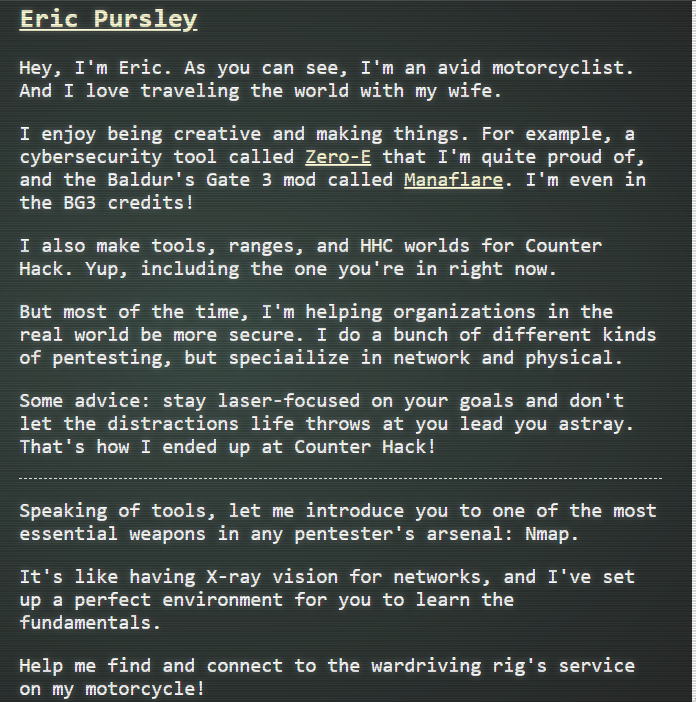
Meet Eric in the hotel parking lot for Nmap know-how and scanning secrets. help him connect to the wardriving rig on his motorcycle.
Eric Pursley
Solution⚓︎
Eric asked to help him find and connect to the wardriving rig's service on his motorcycle using Nmap.
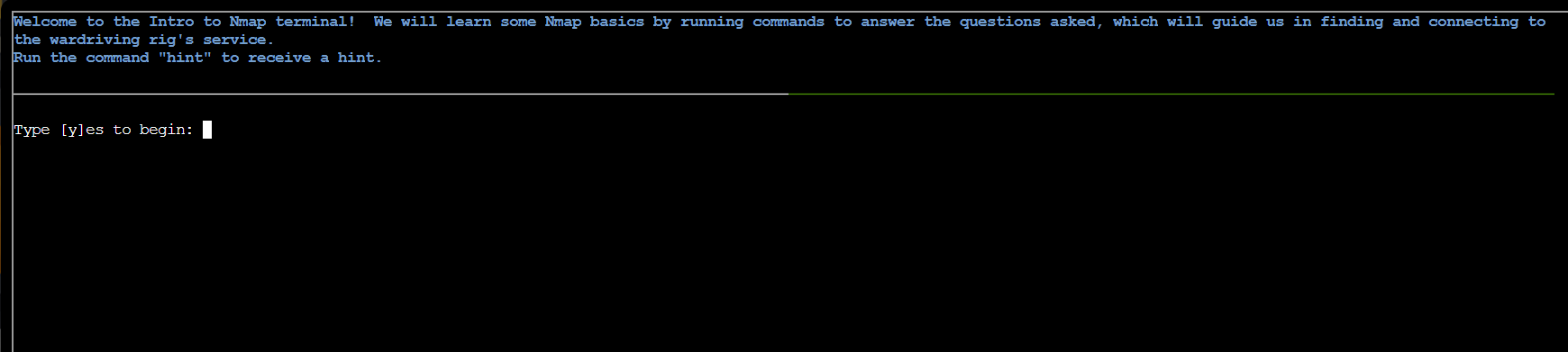
A terminal is presented with step-by-step instructions to accomplish the task.
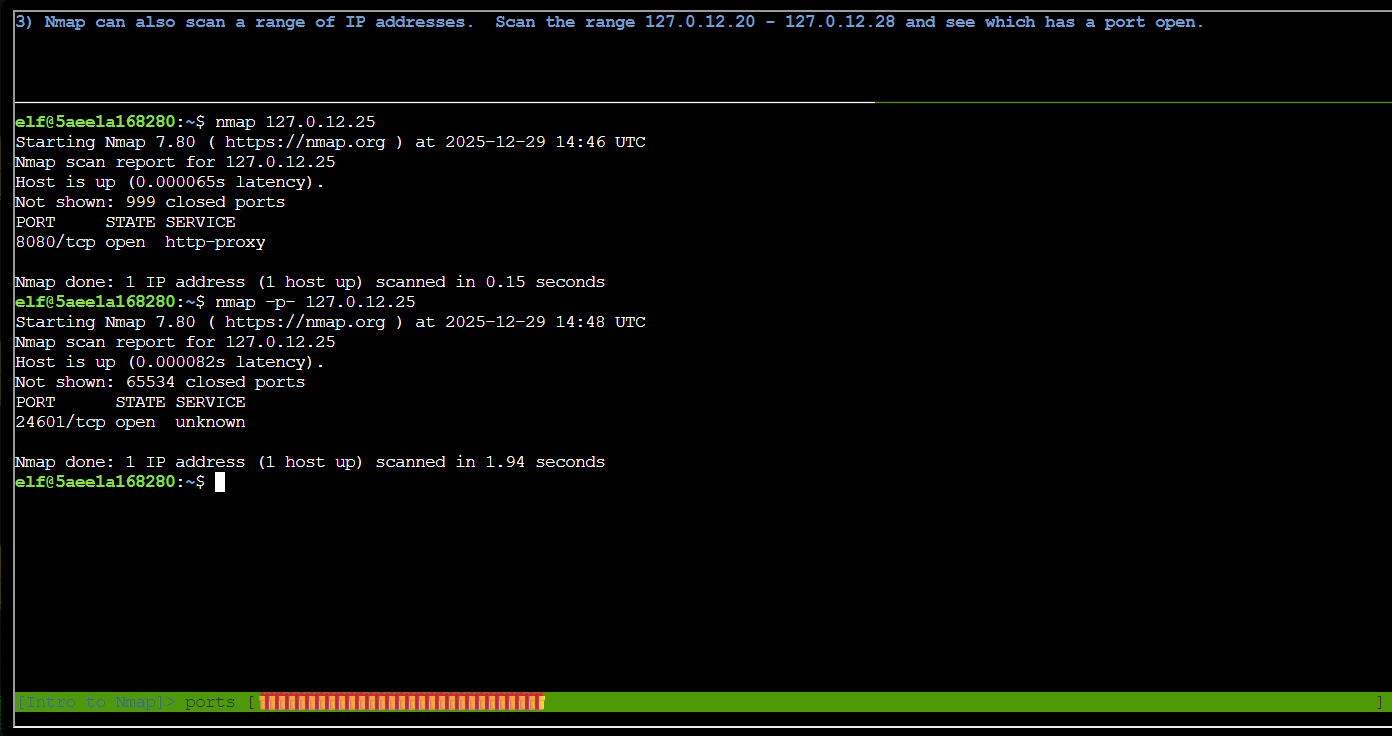
The first task was to run a basic nmap scan of the top 1000 ports on the IP address 127.0.12.25. I used the command:
| Nmap top 1000 ports scan | |
|---|---|
1 | |
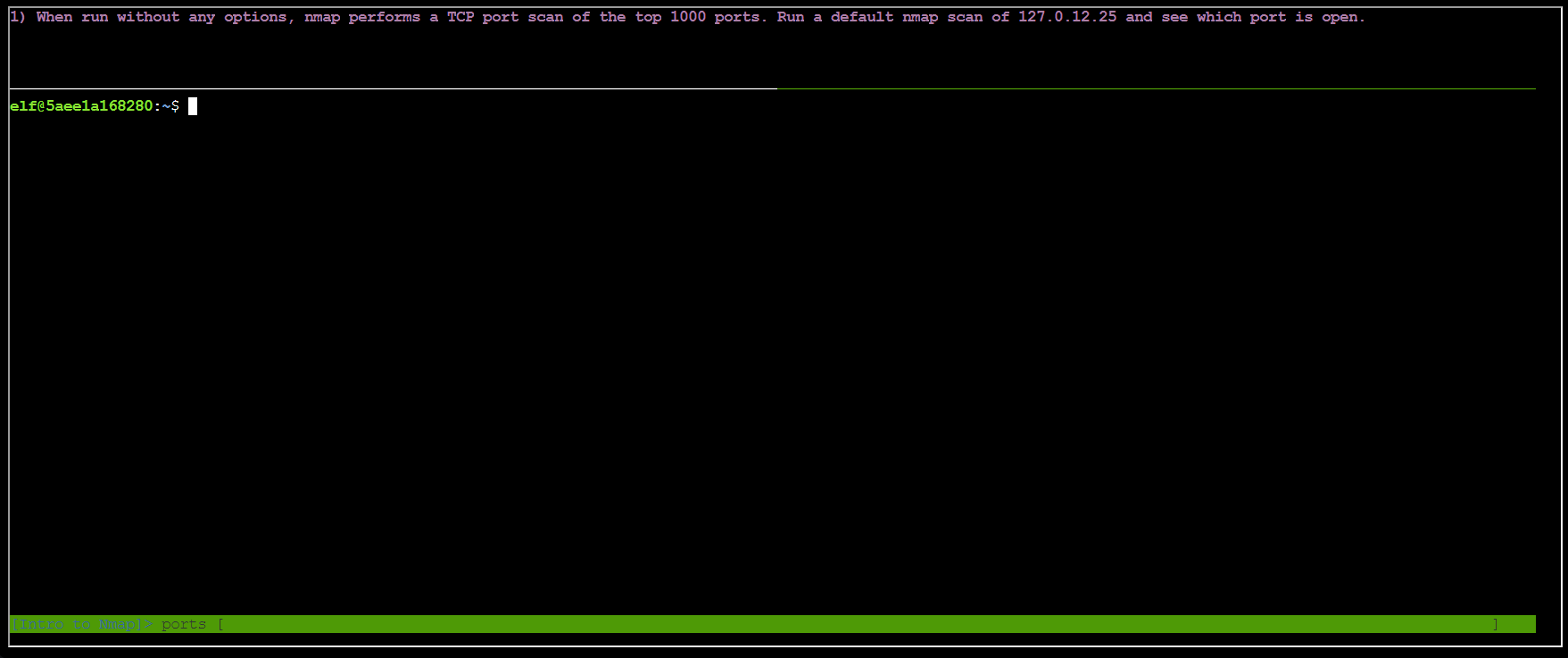
After running the command, only the TCP port 8080 is open.
Task 2 asked to run a Nmap scan of all TCP ports. I used the command:
| Nmap full TCP ports scan | |
|---|---|
1 | |
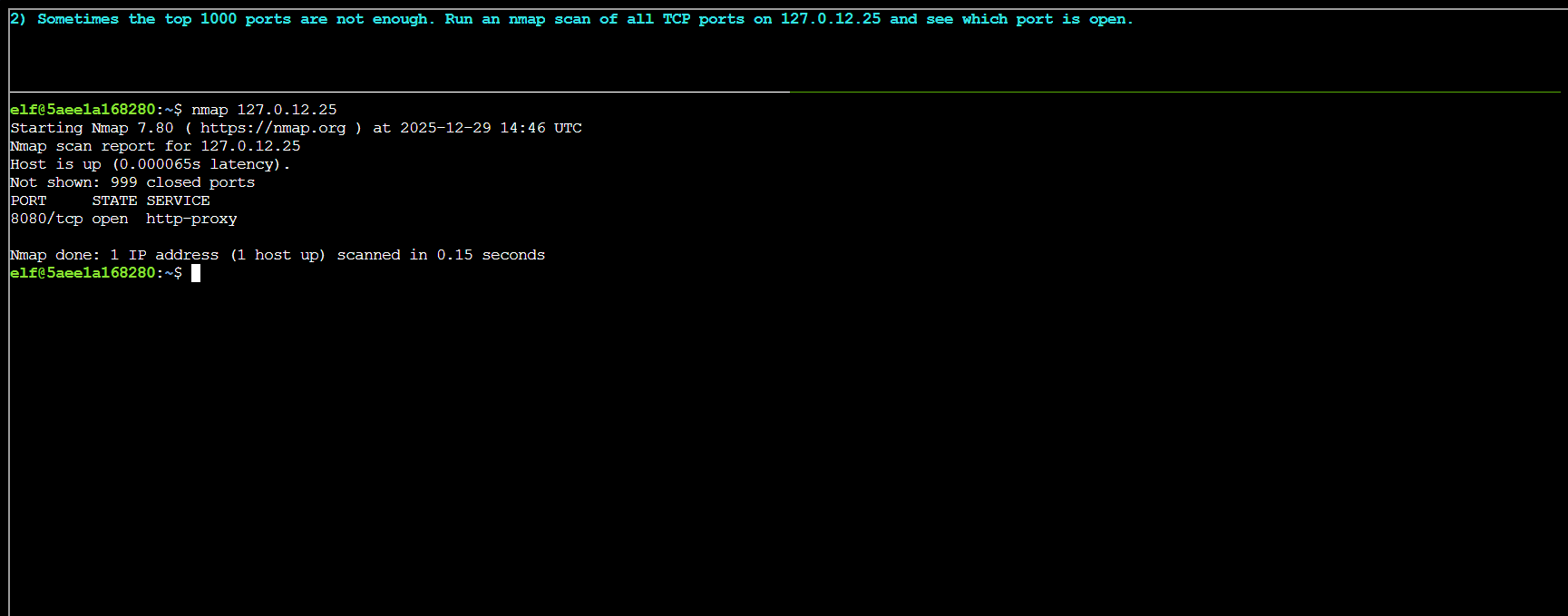
The full TCP scan revealed only port 24601 associated with an unknown service is open.
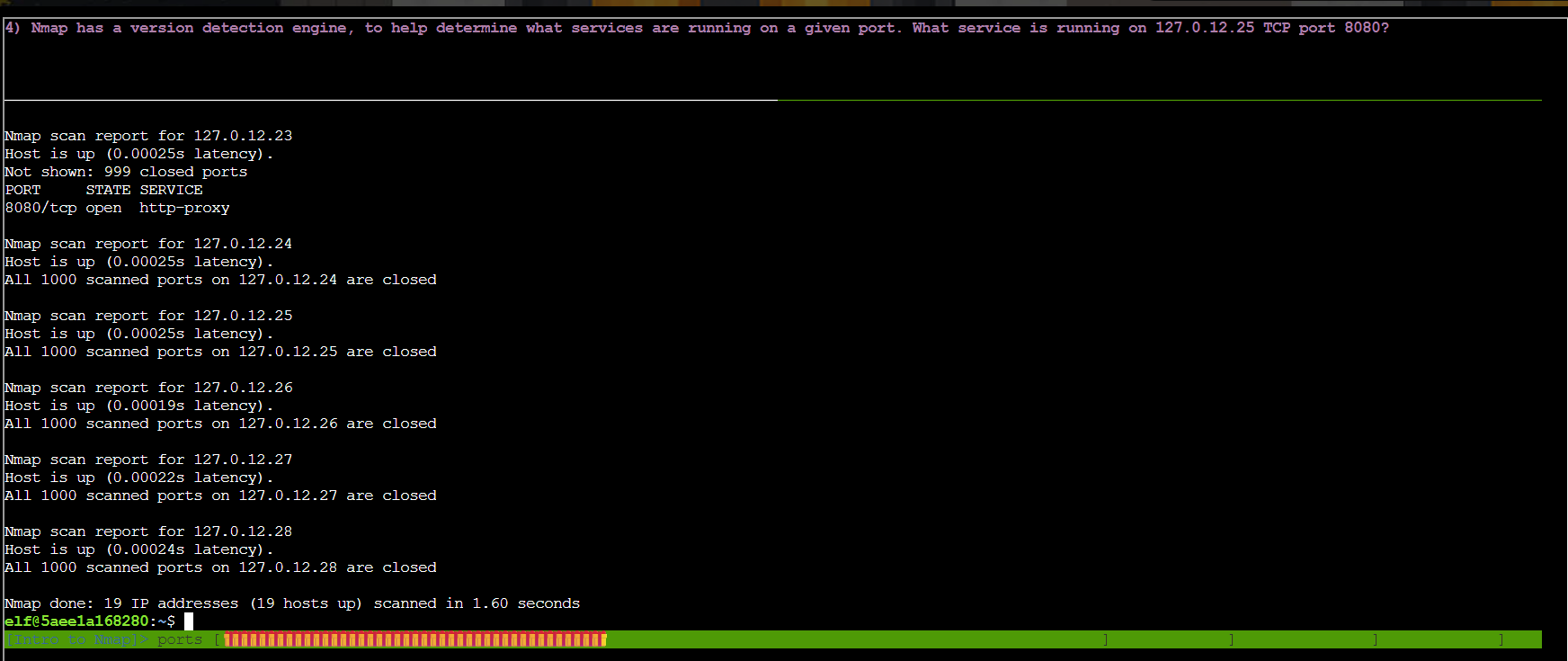
Task 3 asked to perform a Nmap scan on the range of IP addresses 127.0.12.20-28 I used the command:
| Nmap IP range scan | |
|---|---|
1 | |
The scan of the IP range revealed that most hosts do not have open ports, but the host 127.0.12.23 has the port 8080 open.
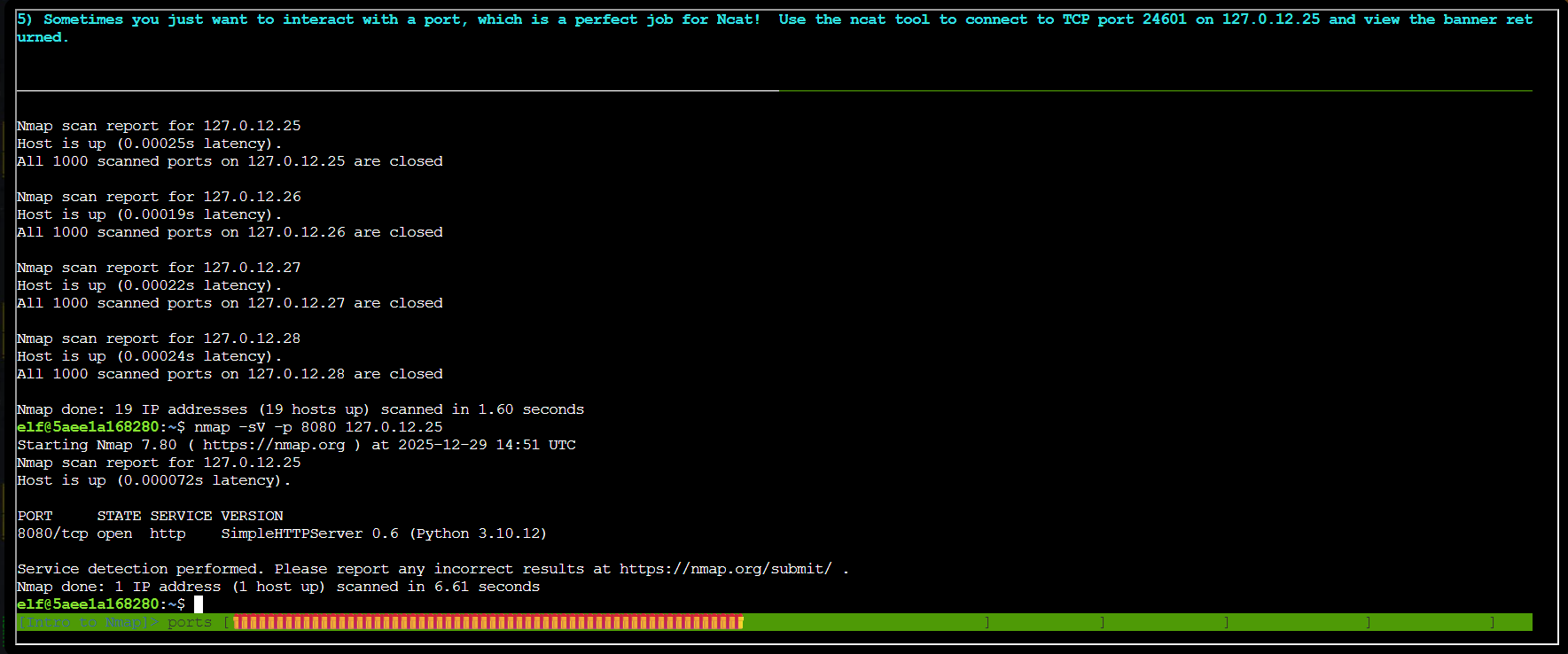
Task 4 asked to check what service is running on port 8080 for the host 127.0.12.25.
I used the command:
| Nmap service detection on port 8080 | |
|---|---|
1 | |
The command for checking which service is open on port 8080 for the host 127.0.12.25 revealed that the port is running an HTTP service.
Task 5 asked to use the ncat to connect to the host 127.0.12.25 on port 24601.
I used the command:
| Ncat connection to port 24601 | |
|---|---|
1 | |
The command revealed the banner of the wardriving rig service.
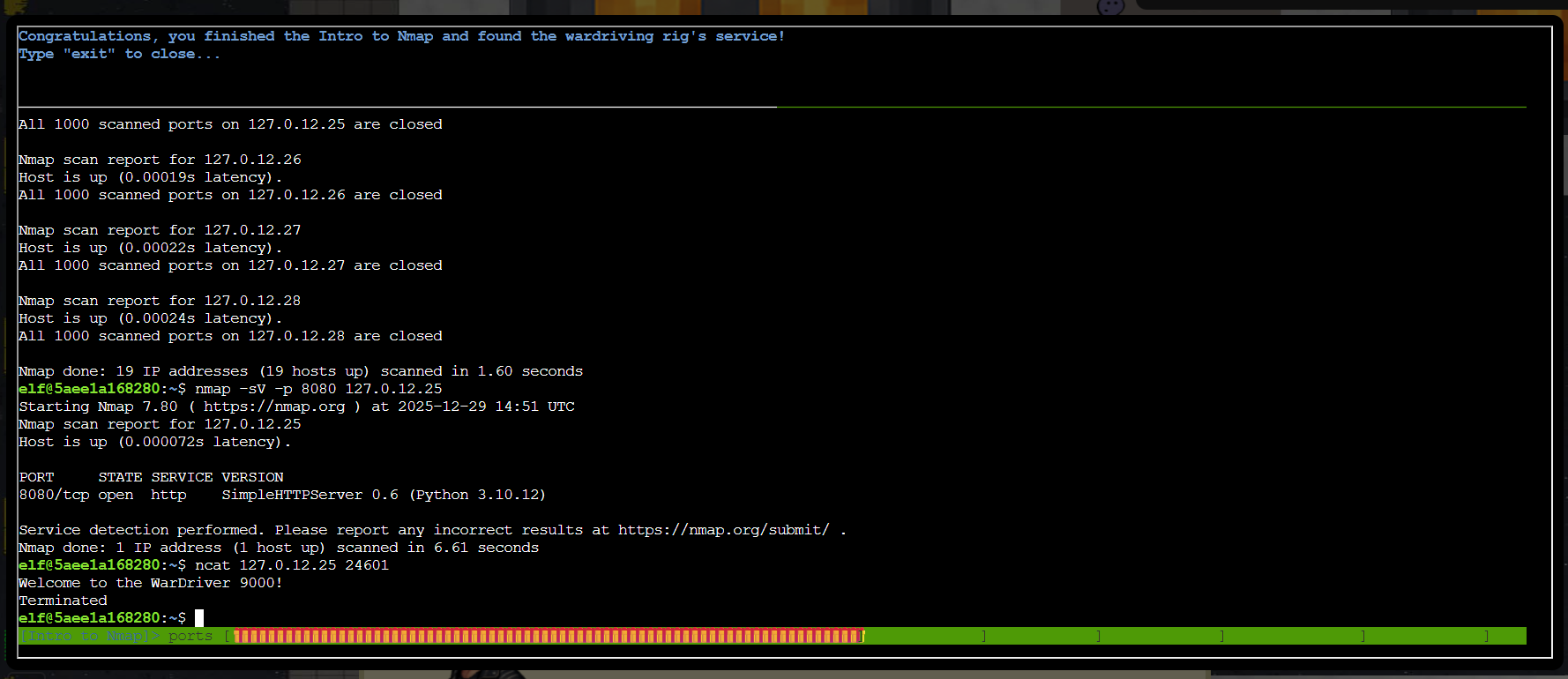
The objective was added to the achievements list.

Response⚓︎
Eric Pursley
Excellent work! You've got the Nmap fundamentals down - that X-ray vision is going to serve you well in future challenges.
Now you're ready to scan networks like a seasoned pentester!