Owner⚓︎
Difficulty:
Direct link: Owner
Objective⚓︎
Request
Help Goose James near the park discover the accidentally leaked SAS token in a public JavaScript file and determine what Azure Storage resource it exposes and what permissions it grants.
James
Solution⚓︎
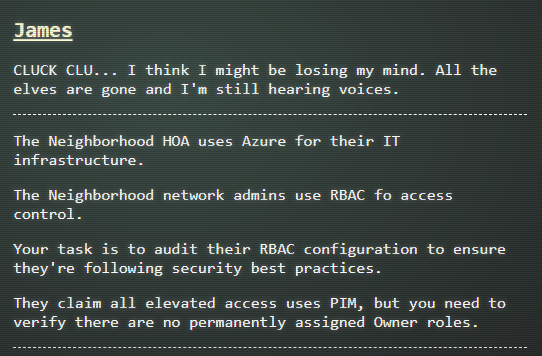
James asked me to audit the HOA Azure's RBAC config for permanently assigned Owner roles.
The terminal session introduced the task and the Azure CLI environment.
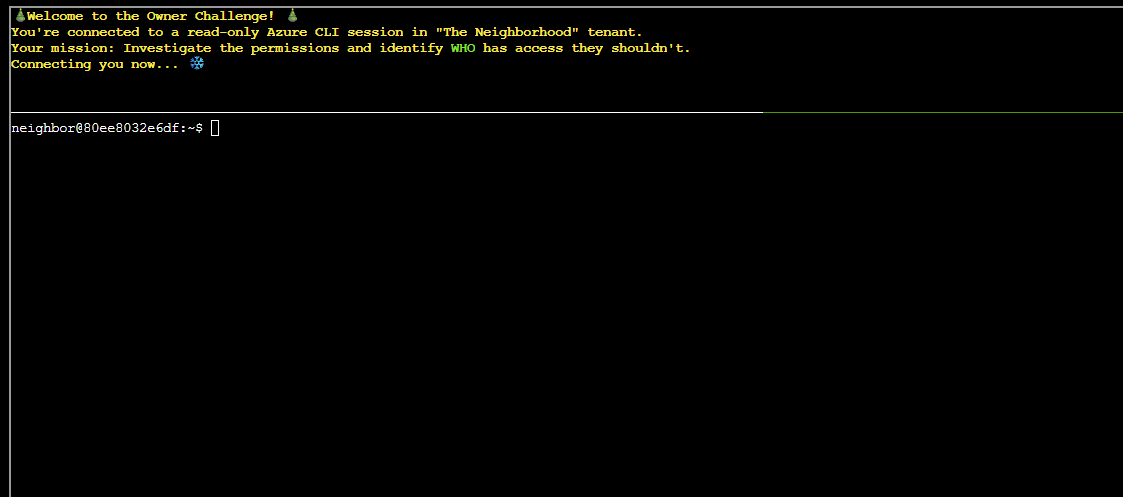
The first task was to list all subscription names with the command:
| List subscription names | |
|---|---|
1 | |
The output showed the subscription names available in the tenant.
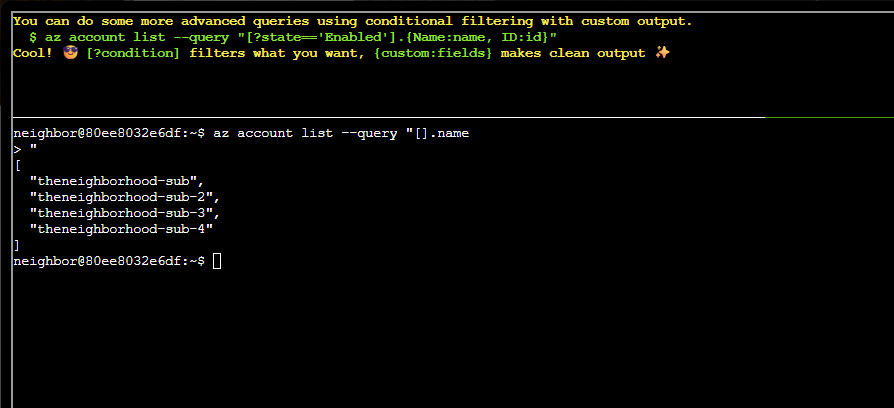
The next task was to list enabled subscriptions by ID and check Owner roles associated with each subscription.
I first used the following command to list enabled subscriptions with IDs:
| List enabled subscriptions | |
|---|---|
1 | |
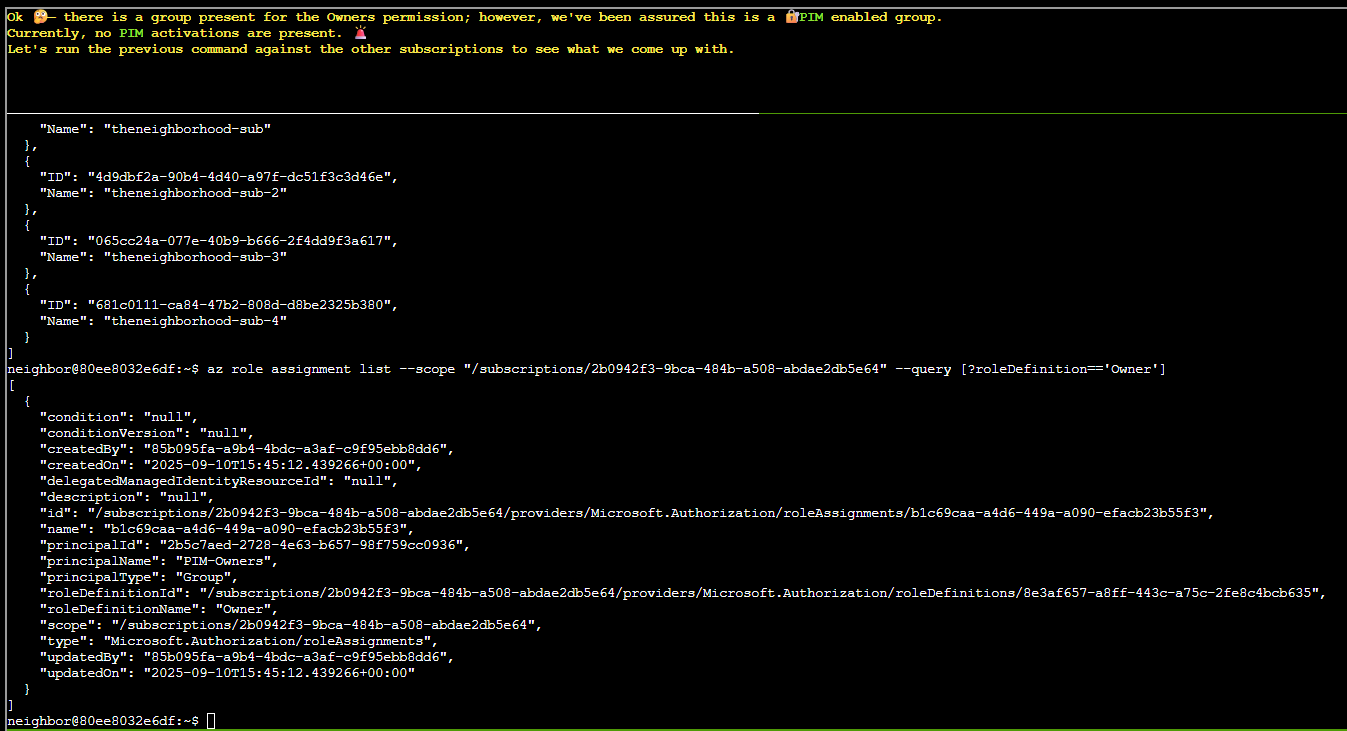
I later used this command to list owner for each subscription replacing the appropriate subscription ID:
| List Owner role assignments | |
|---|---|
1 | |
The results showed the Owner assignments for the first subscription (ID not shown on screenshot).
There is a group present with the Owner permission.
The next task was to check Owner permission on the second subscription:
| Owners for subscription 4d9d... | |
|---|---|
1 | |
The output listed Owner permission for the subscription as well.
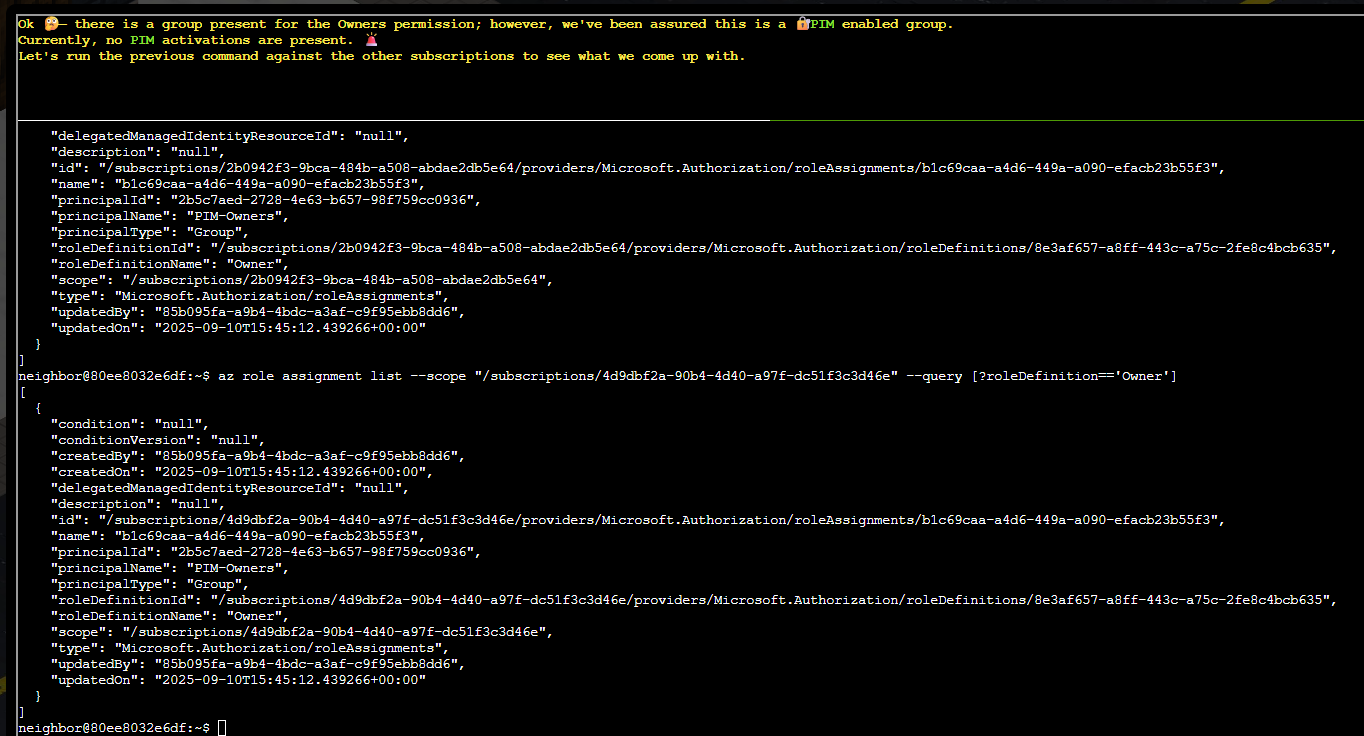
The next task was to check Owner assignments on the third subscription:
| Owners for subscription 065c... | |
|---|---|
1 | |
The output identified a group named "IT Admins".
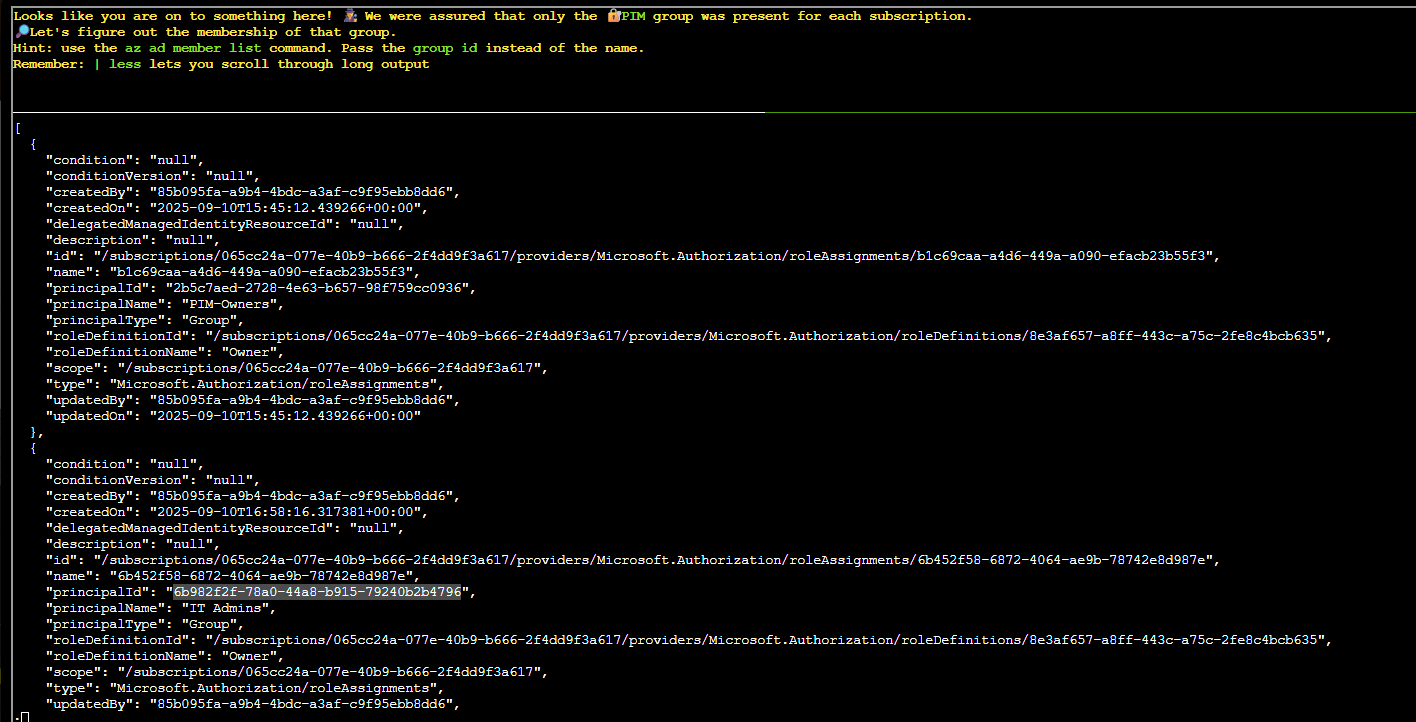
The next task was to list members of "IT Admins" group using the command:
| List group members (6b98...) | |
|---|---|
1 | |
The results showed the users and service principals in that group and another group ID.
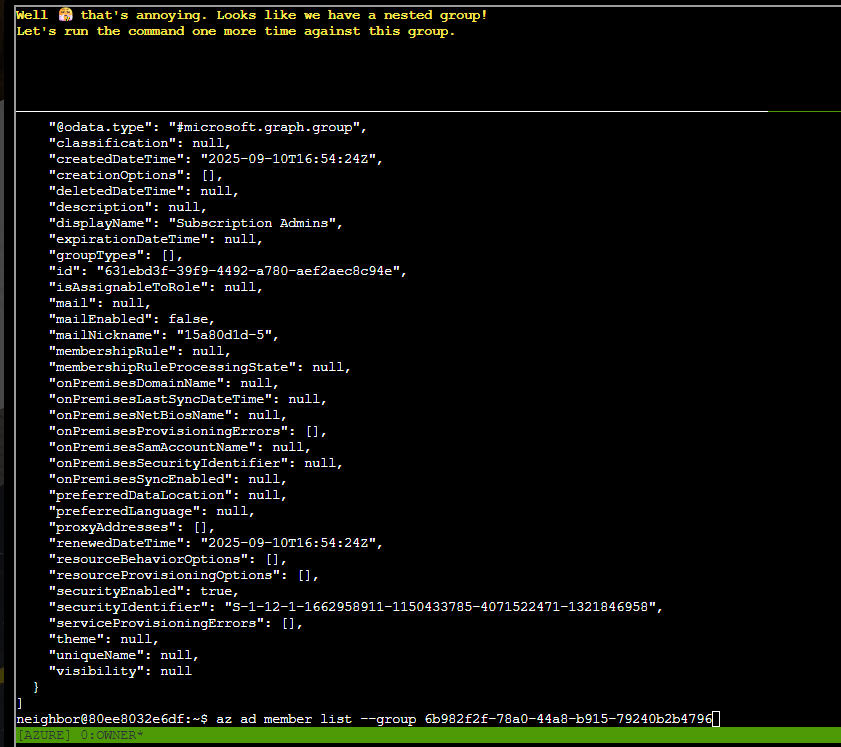
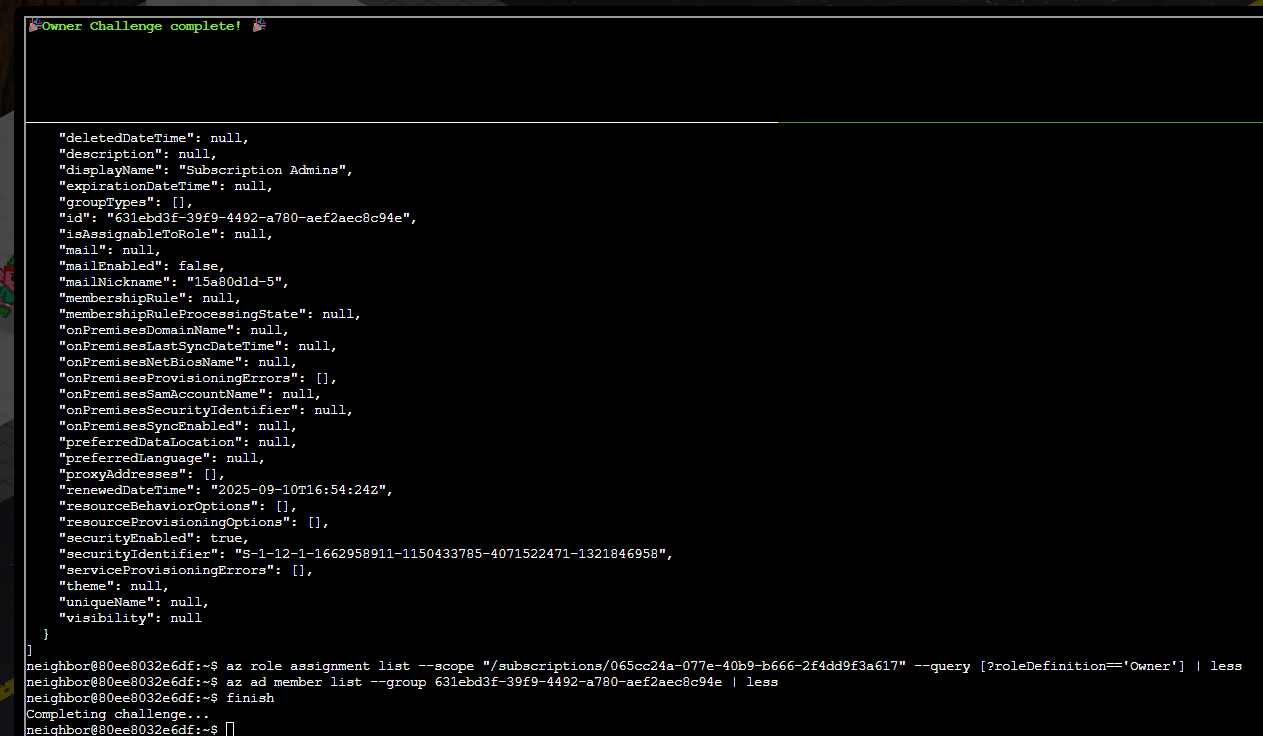
The next task was to list members of the nested group ID using the command:
| List group members (631e...) | |
|---|---|
1 | |
The output revealed the identity of the IT admin user.
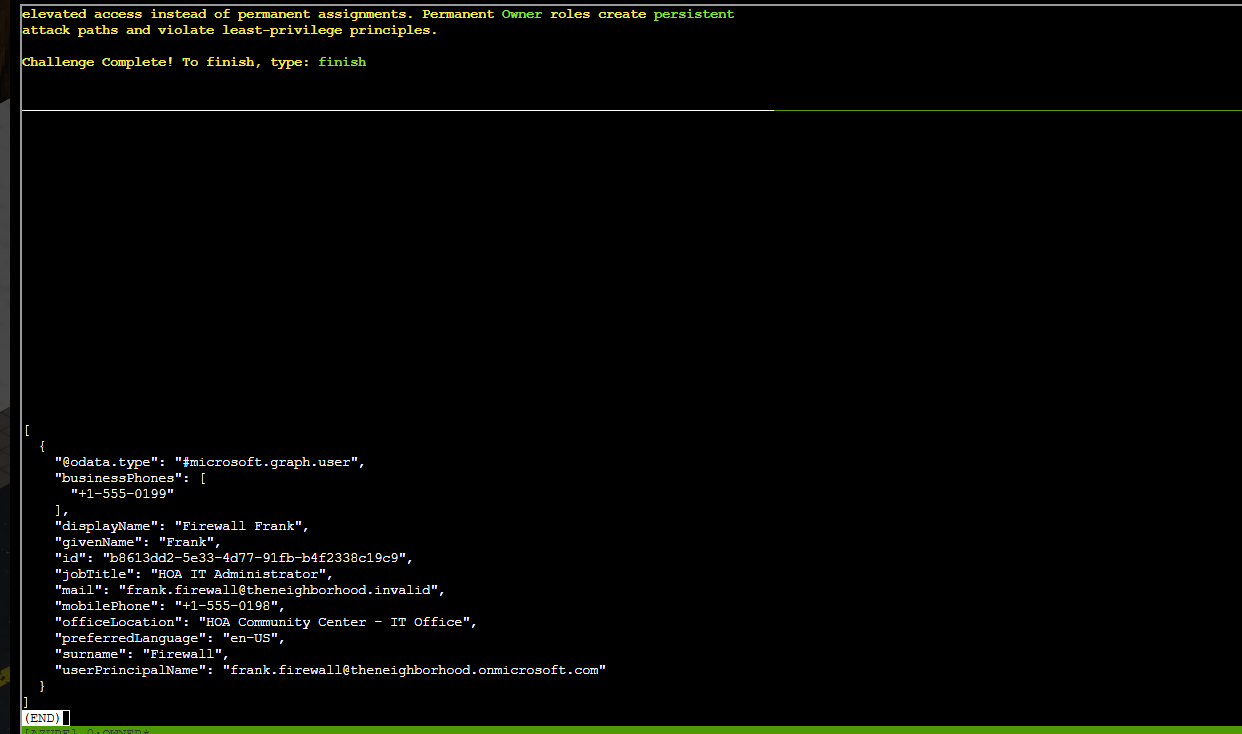
The challenge was completed after identifying the permanently assigned Owner role.
Prevention
- Avoid standing/permanent Owner assignments; use Microsoft Entra Privileged Identity Management (PIM) so elevation is just-in-time, time-bound, and requires approval.
- Apply least privilege, grant scoped custom roles for the specific resources an identity needs instead of subscription-wide Owner.
- Periodically audit role assignments (
az role assignment list) across nested groups to catch stale or excessive standing access.
Response⚓︎
James
You found the permanent assignments! CLUCK! See, I'm not crazy - the security really WAS misconfigured. Now maybe I can finally get some peace and quiet...